Bank accounts, transactions and Norma 43
Add the community account, sync it with the bank and import statements.
Linking the community bank account means transactions flow into the application on their own and resident payments are reconciled against their fees automatically.
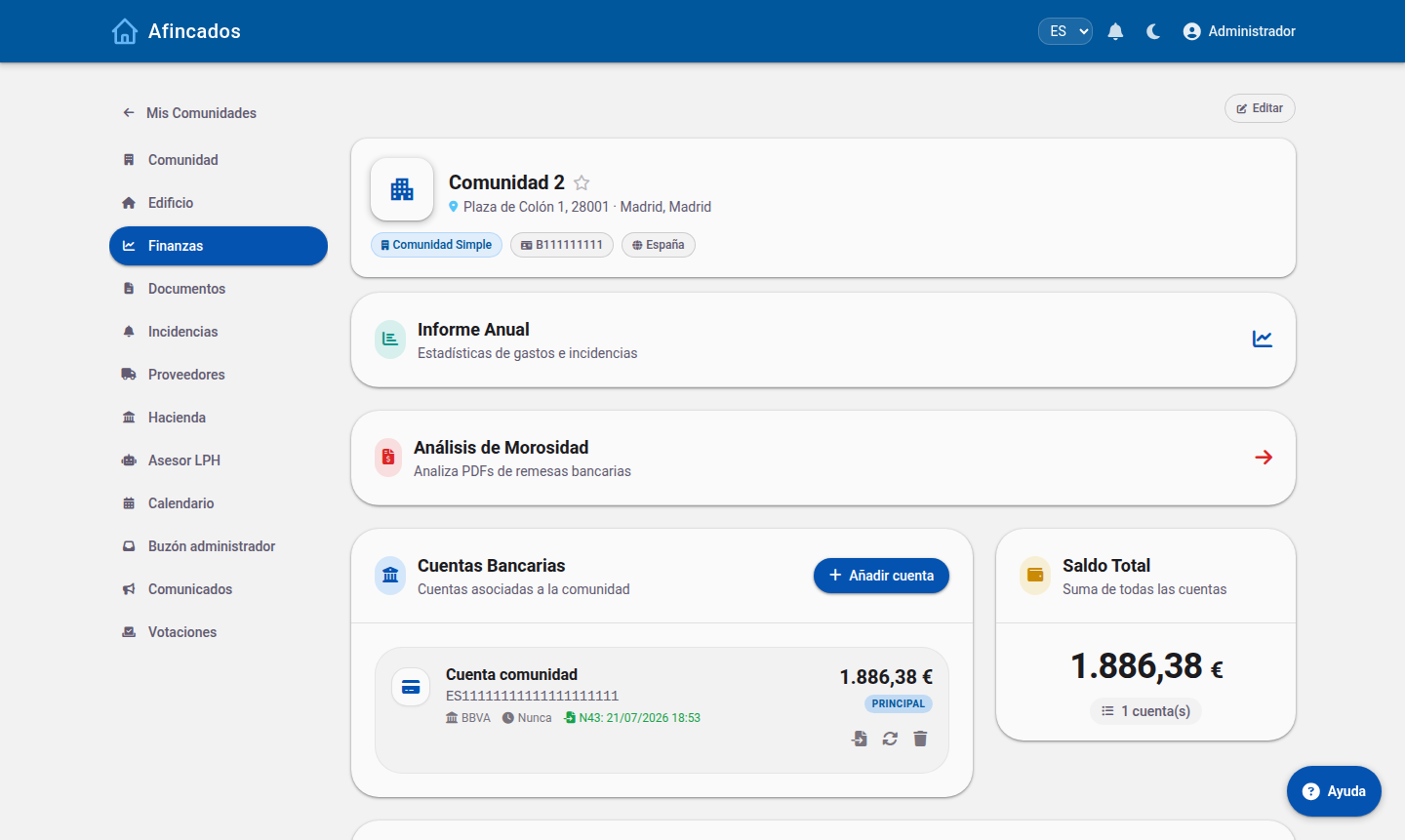
Adding an account
- Open the community and go to the Accounts tab.
- Click New account.
- Enter the IBAN and give it a name that identifies it (for example, "Main account" or "Reserve fund").
- Select the bank from the list.
- Save.
A community can have several accounts; they all appear on the tab with their current balance.
Connecting to the bank
To have transactions download on their own, click Sync on the account. You will be redirected to your bank website to authorise read-only access. Once authorised:
- Transactions are downloaded automatically.
- Incoming payments are matched against outstanding fees, which are then marked as paid.
- The account balance stays up to date.
Banking regulations make the authorisation expire periodically; when that happens, click Sync again to renew it.
Importing a statement (Norma 43)
If your bank does not support a direct connection, you can download the statement from its website in Norma 43 format (a text file every Spanish bank offers) and import it:
- On the account, click Import Norma 43.
- Select the file downloaded from the bank.
- Review the preview of the detected transactions.
- Confirm the import.
The application skips transactions that were already recorded, so you can import overlapping statements without creating duplicates.
Manual entries
To record a transaction the bank does not have (a cash payment, an accounting adjustment), click New entry on the account and enter the date, description and amount. If an entry is wrong, you can delete it from the transaction list.
Deleting an account
The Delete account option removes the account and its transaction history from the community. It cannot be undone, so only use it for accounts created by mistake or already closed at the bank.