Booking facilities and creating guest passes
Book the court or the function room, cancel if you cannot make it and invite outside guests.
If your community has bookable common areas (a padel court, the pool, the function room, the gym), you can book them from the application and bring guests in with a QR code pass.
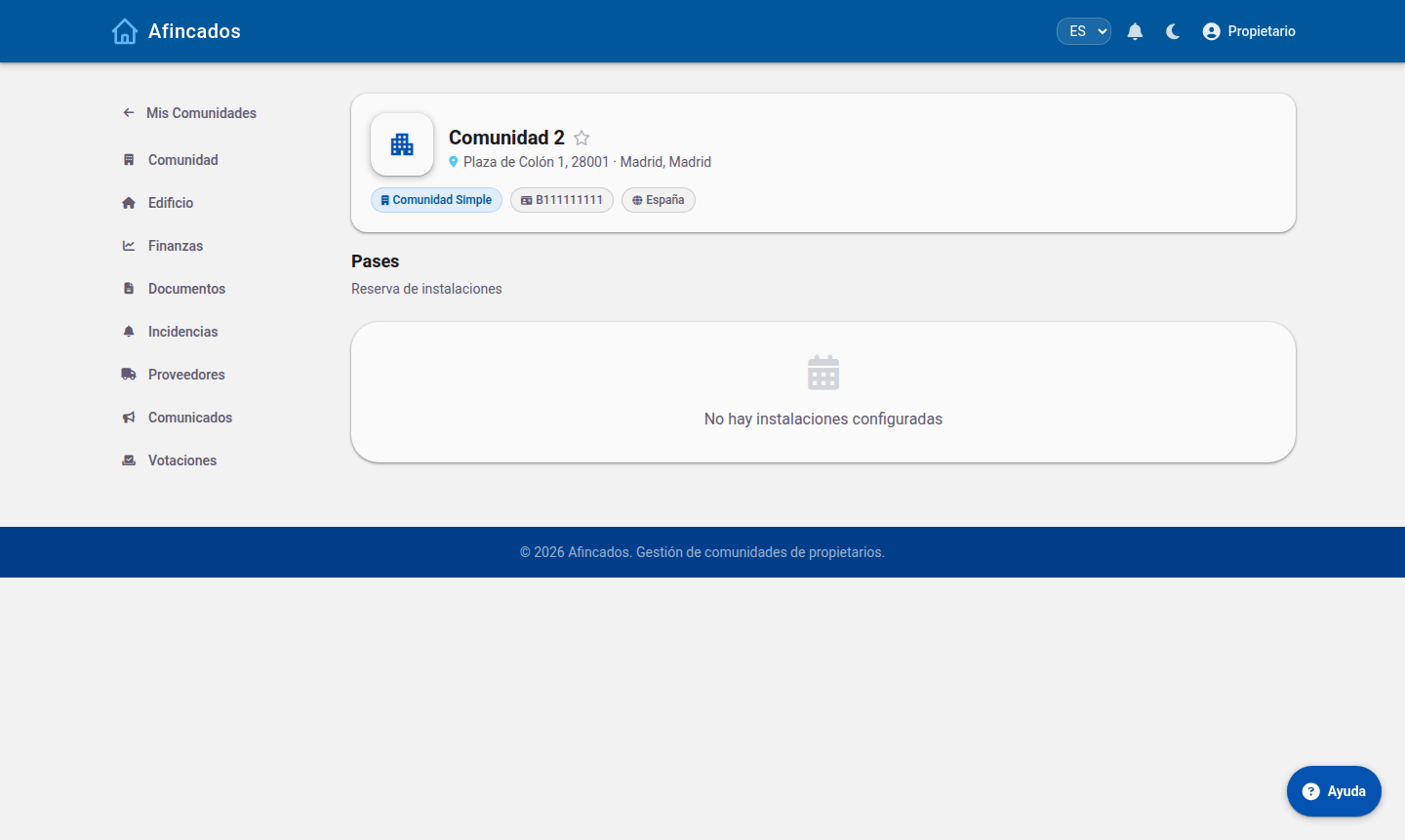
Making a booking
- Open your community and go to the Passes or Bookings tab.
- Select the facility you want to use.
- Pick the day on the calendar. You will see the available slots; the ones already taken appear blocked.
- Click the free slot you want.
- Confirm the booking.
The booking appears in your list with a QR code. Show it if the community has access control on that area.
Each community sets its own rules: how many bookings you can hold at once, how far in advance the calendar opens, or whether there is a weekly limit. If the system will not let you book, you have usually hit one of those limits.
Cancelling a booking
If you end up not using the facility, cancel as early as you can: open the booking in your list and click Cancel. The slot goes back into the pool for other residents.
Cancelling in good time matters in communities where demand is high; some penalise bookings that are neither used nor cancelled.
Creating a guest pass
To bring in someone who does not live in the community:
- On the Passes tab, click New guest.
- Enter the person's name and the date of their visit.
- Save. A pass with a QR code is generated.
- Send it to your guest however you prefer.
The guest shows the QR code at the entrance and the pass is validated. Passes have an expiry date: they only work for the day they were issued for.
Your responsibility
Guests you register are linked to your account. You are responsible for their behaviour in the common areas, so do not share passes with people who will not be coming with you.