Calling a meeting and sending the notice
Create the meeting with its agenda and send the notice to every owner.
The meeting notice is the document that summons owners to a meeting. The application generates it, emails it to every resident and keeps a record of the send, which is what makes the decisions taken there valid.
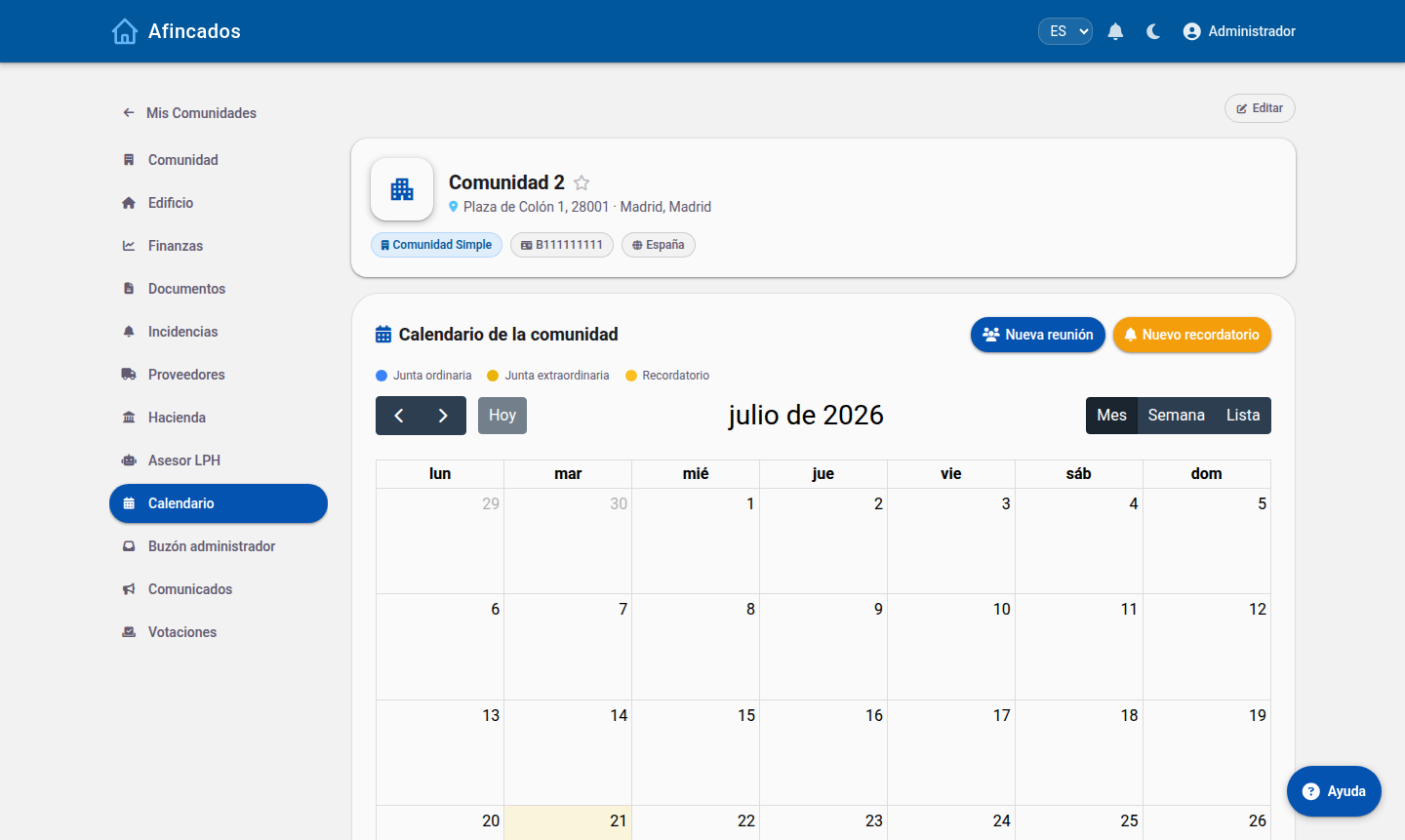
Who can call a meeting
The property manager and the members of the board, usually the president.
Creating the meeting
- Open the community and go to the Meetings tab.
- Click New meeting.
- Choose the type: ordinary (the annual one, to approve the accounts and the budget) or extraordinary (for a specific matter).
- Enter the date and time of the first call and of the second one. The second is usually set half an hour later, in case there is no quorum at the first.
- Write the venue.
- Draft the agenda: add one item per matter to be discussed. Be specific, because no valid decision can be taken on a matter that is not on it.
- Attach the necessary documentation: the budget, the annual report, quotes for building works and so on.
- Save.
The meeting is created as a draft: nobody can see it yet.
Editing before you send
While it is still a draft you can edit the meeting freely: change the date, reorder the agenda items, add documents or reword anything. Review it carefully, because once the notice has gone out it should not be changed.
Sending the notice
- Open the meeting and click Send notice.
- Check the preview of the email residents will receive.
- Confirm the send.
Every owner receives the notice by email and a notification in the application. The PDF is also published in the community for anyone who wants to download it.
If a resident says they did not receive it, use Resend notice: it goes out to them again without bothering everyone else.
Cancelling a meeting
If the meeting has to be called off, edit it and mark it as cancelled, or delete it if it was still a draft and nothing had been sent. Once the notice has gone out, it is better to cancel it than to delete it, so there is a record that it was called and then called off, and to let residents know with a message.