Creating and managing extraordinary levies
Split a one-off cost, such as building works, across the owners and track its collection.
An extraordinary levy pays for a one-off cost that was not in the budget: renovating the façade, replacing the lift, fixing a major fault. It is split across the properties just like the regular fees, but it is separate from them and charged on its own.
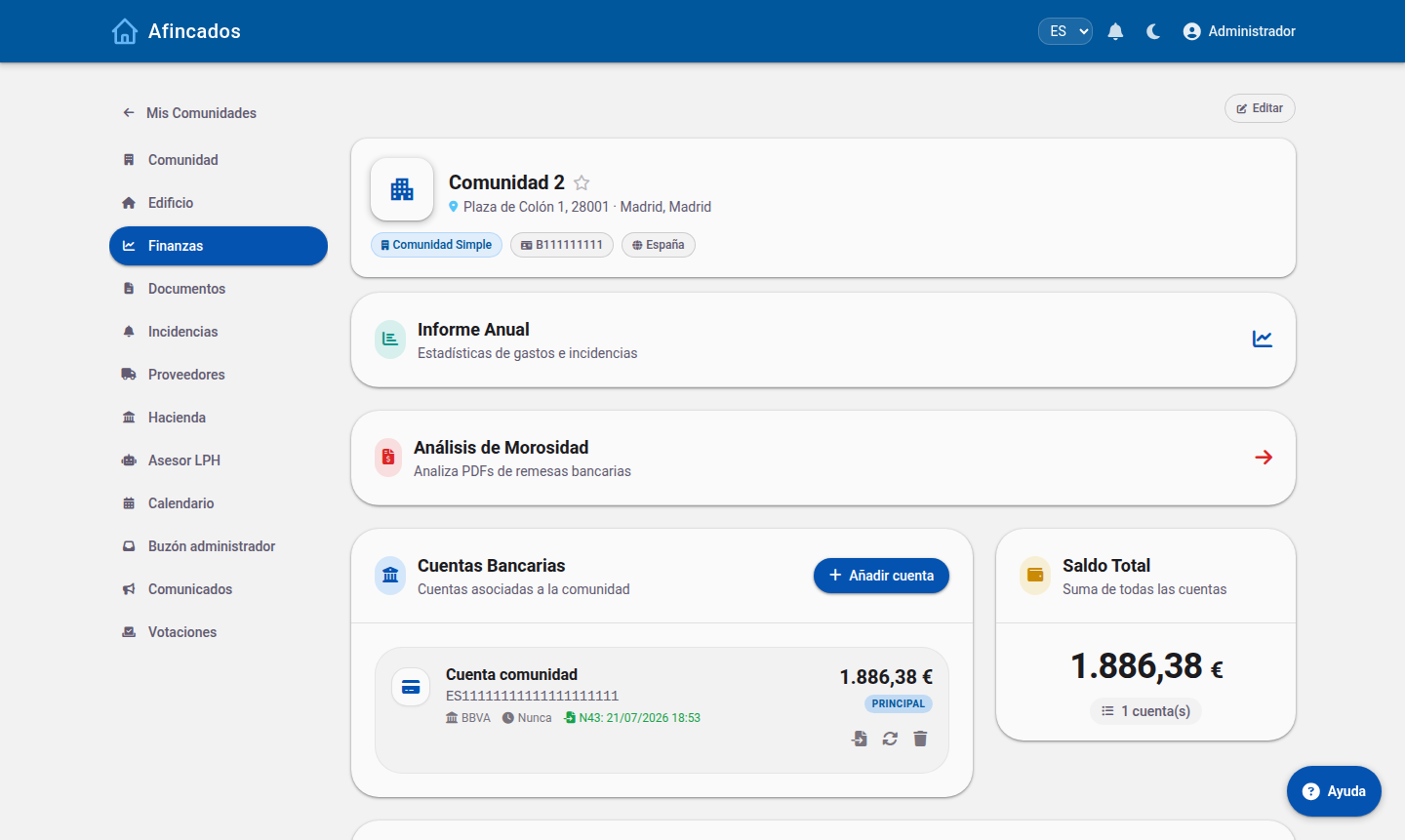
Creating a levy
- Open the community and go to the Fees tab.
- Click New extraordinary fee.
- Give it a clear description: it is what the resident sees and what appears on the receipt (for example, "Façade levy 2026").
- Enter the total amount to be shared out.
- Choose how it is split:
- By ownership share: each property pays according to its share. This is the usual choice.
- Equally: every property pays the same.
- Only one group: for example, only the flats in one block or those that use the lift.
- State whether it is charged in one go or in instalments, with its start date.
- Review the preview of the split and click Save.
The owners affected receive a notification and see the levy alongside their fees.
Editing a levy
Open the levy and click Edit. You can change the description, the amount, the split or the number of instalments. If you change the amount, the application recalculates what each property owes.
Take care if some instalments have already been charged: only change the outstanding ones so what has been paid still adds up.
Individual additional fees
If you need to charge something to a single owner (a repair they are liable for, a private consumption), do not create a levy: use Additional fee from their record. You can also apply it to several owners at once with the bulk additional fee option.
Deleting a levy
From the fee list, open the levy and click Delete. It is removed for every property and cannot be recovered. Only do this if it was created by mistake and has not been charged yet.
Documenting and collecting
- Levy PDF: produces a document with the split property by property, ideal to attach to the minutes that approve it.
- Direct debit: once created, you can generate a bank file to collect it by direct debit, just like the regular fees.