Afincados · Help Center · Community
High community
You can create your community here with an assistant that will guide you step by step.
Welcome! Creating a community is the first step to connect with your members, centralize communication, and manage everything efficiently. In this article, we will guide you step by step so you can have your new community ready in minutes.
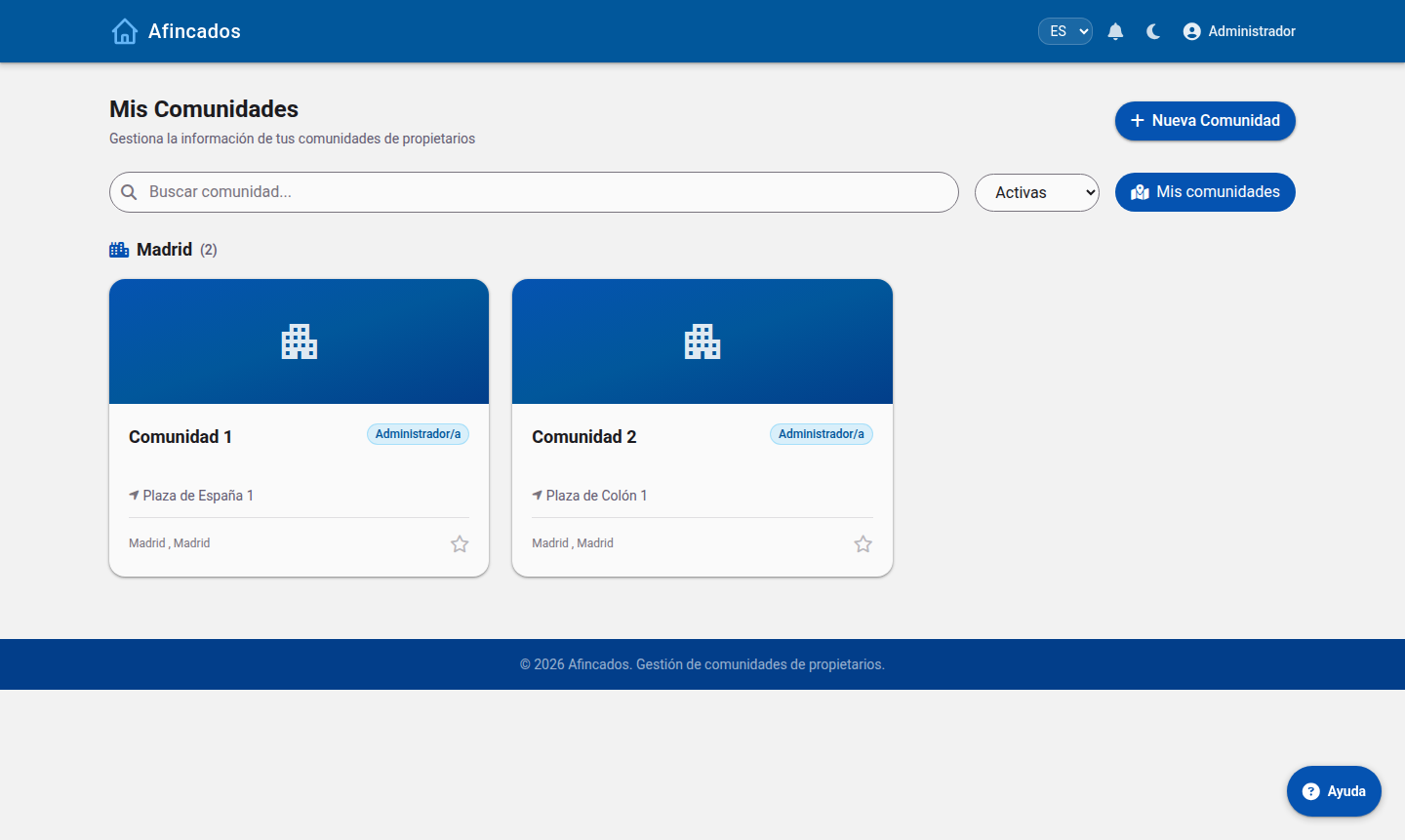

Assistant for creating a new community
Prerequisites
Before you start, make sure to meet the following:
- Have an active account in the application.
- Have the necessary permissions (Administrator or Creator Role).
Step-by-step guide
Step 1: Access the creation panel
- Log in to the application with your credentials.
- In the left sidebar menu, go to the section"My Communities".
- Click the button"Create Community"(located in the upper right corner).
Step 2: Configure the basic information
Fill out the initial form with your community's data:
- Community Name:Choose a clear and recognizable name for your members.
- Description:Briefly explain the purpose of this space (maximum 250 characters).
- Profile Photo/Logo:Upload an image in PNG or JPG format to give it visual identity.
Step 3: Define privacy and access
Select the type of community that best suits your needs:
- Public:Any app user can search for it and join.
- Private:Users can find it, but they must request access to enter.
- Hidden:Access is only possible through a direct invitation from the administrator.
Step 4: Finalize creation
Review that all the data is correct and click the button"Save and Create". Done! Your community is now active.
Recommended next steps
Once you have created your community, we suggest performing the following actions to start off on the right foot:
- Invite members:Go to the "Members" tab and add your users via their email or by sharing the invitation link.
- Configure channels/forums:Create the first discussion spaces to keep the information organized.
- Post a welcome message:Write a pinned post in the main board to greet the new members and explain the basic rules.