Afincados · Help Center · Communication and documents
Messages and notifications
Write to your property manager or the board and keep up with your community alerts.
The application brings all communication with your community into one place, so nothing gets lost in email chains or messaging groups.
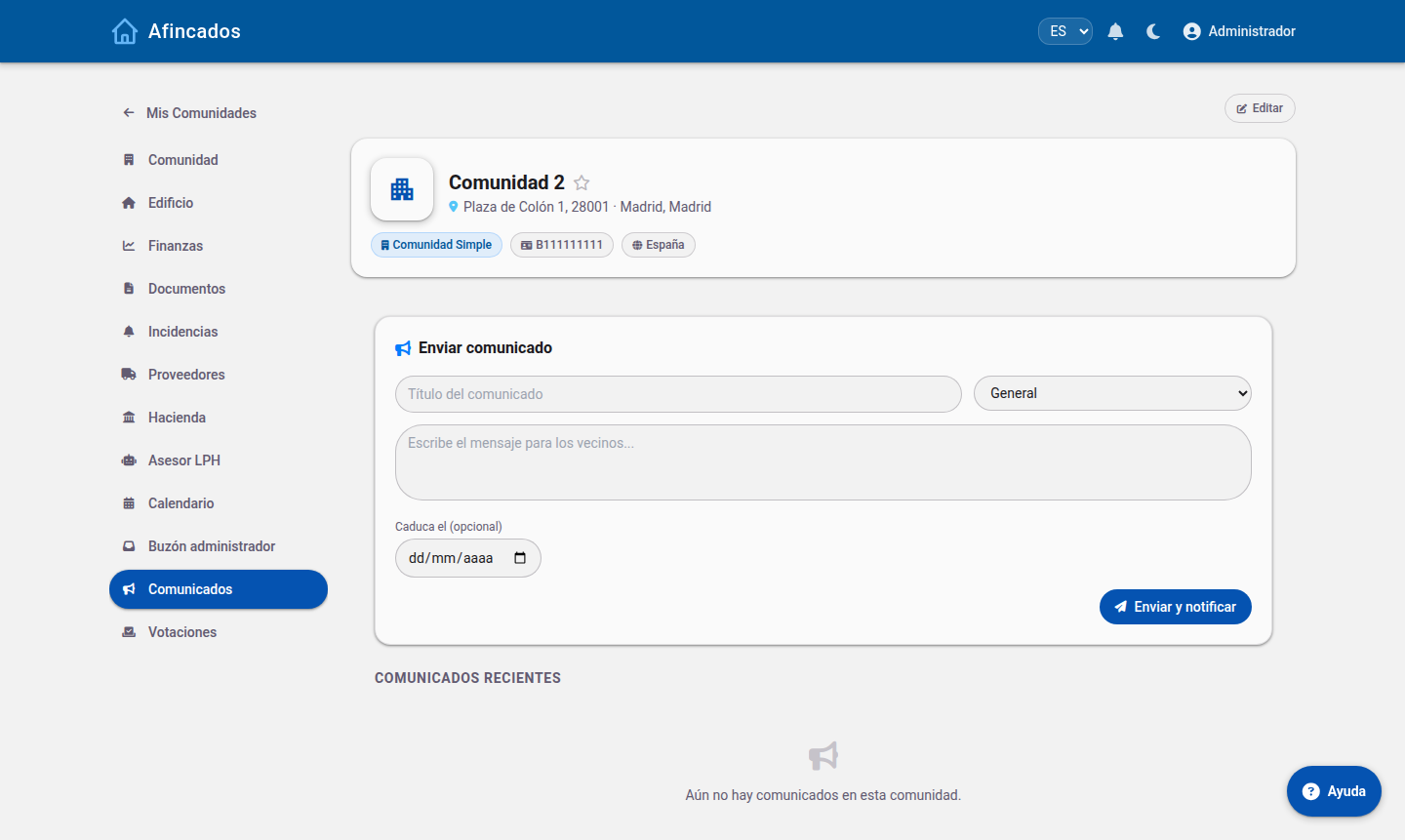
Messages
The community Messages tab works like an inbox of conversations. Each thread groups one topic together with its replies.
Writing a new message
- Open your community and go to the Messages tab.
- Click New message.
- Choose the recipient: the property manager, the board or the whole community, depending on your permissions.
- Write a clear subject and the body of the message.
- Send it.
The recipient gets a notification and can reply in the same thread, which keeps the whole conversation tidy and easy to look up later.
Which channel to use
- If it is a fault, do not send a message: create an incident instead. That way it is properly logged, a supplier can be assigned to it and you can follow its progress.
- For questions about a fee, a meeting notice or a document, a message is the right channel.
Notifications
The bell icon in the top menu shows your pending alerts. You will be notified when:
- A meeting notice is published or a set of minutes is signed.
- New fees or an extraordinary levy are published.
- The status of an incident you reported changes.
- A new document is uploaded.
- You receive a message.
Clicking an alert marks it as read and takes you straight to the content. Important alerts are also sent by email, so it is worth keeping your address up to date in My profile.