Reporting an incident and tracking its progress
Report a fault with photos, pinpoint it on the building and follow it through to resolution.
When something breaks in the common areas (the entrance, the lift, the pool, the garage), do not report it in a message: create an incident. That way it is logged, the property manager can assign a supplier to it and you can follow its progress at any time.
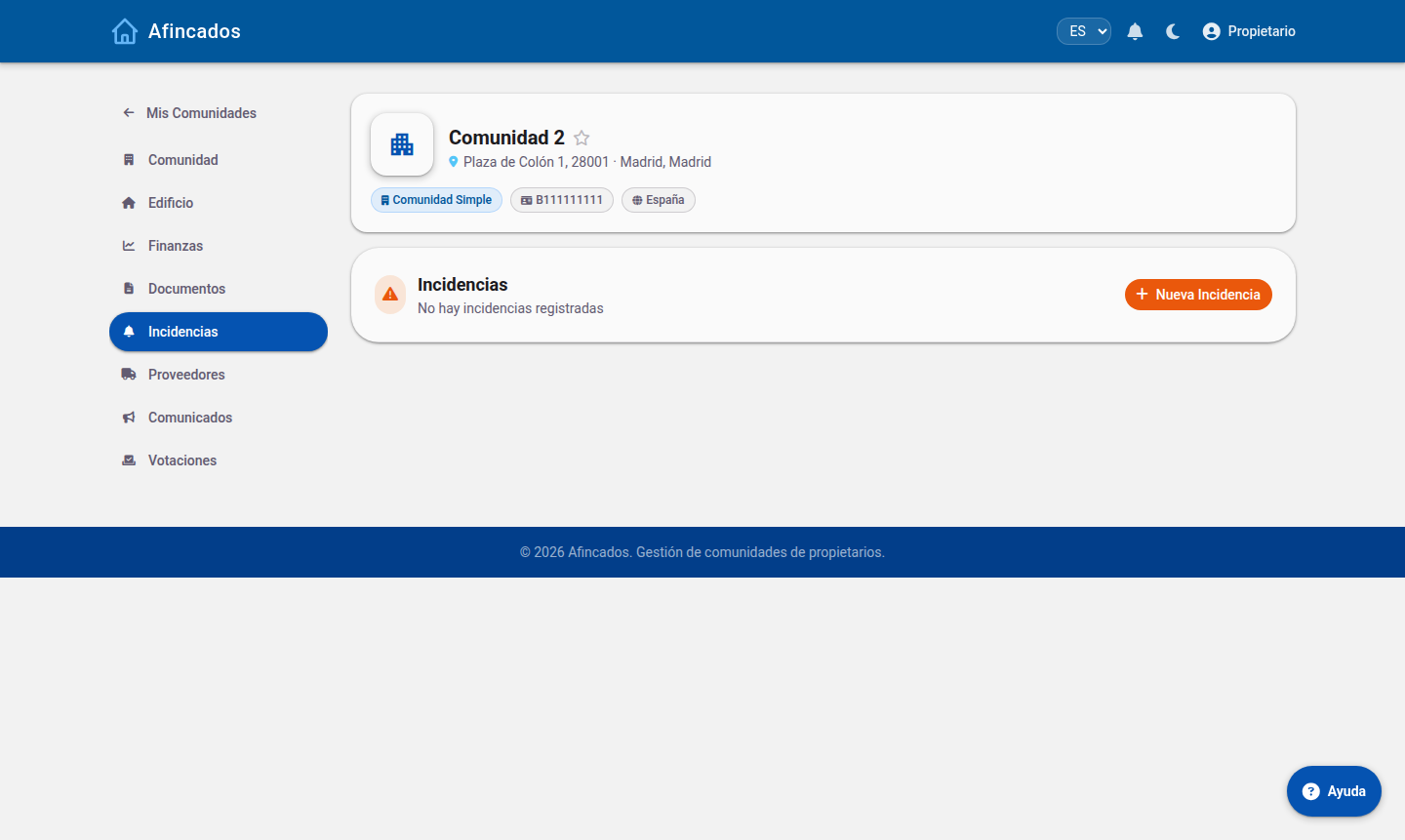
Creating an incident
- Open your community and go to the Incidents tab.
- Click New incident.
- Write a short, clear title ("The automatic entrance door will not close").
- Choose the category: plumbing, electrics, lift, cleaning, gardening and so on. It is used to alert the right supplier.
- Describe the problem in the details: what happens, since when and at what times.
- Enter the location: the block, the floor or the common area affected.
- Attach photos. This is what helps most: one picture saves visits and explanations.
- Save.
The property manager and the board are alerted as soon as you create it.
Pinpointing it on the 3D model
If your community has the 3D model set up, you can use New incident in 3D: rotate the building, click the exact spot where the problem is, and the incident is flagged there. The supplier will know where to go without anyone having to show them.
Tracking its progress
Every incident moves through several statuses, shown on its record:
- Open: reported, awaiting review.
- Assigned: a supplier is now in charge of fixing it.
- In progress: the supplier is working on it.
- Resolved: the work is finished.
You get a notification at every status change, and you can post comments on the incident itself to add information or ask how it is going.
Editing or deleting an incident
- Edit: while it is open you can correct its title, its description or add more photos. Useful if the problem gets worse or you find out something new.
- Delete: only use this if you created it by mistake or duplicated it. If the problem simply sorted itself out, do not delete it: leave a comment and let the property manager close it, so the history is kept.
Tips to get it fixed sooner
- One incident per problem: do not lump the lift fault together with the garage light bulb.
- Search the list first: another resident may have already reported it and you may just need to comment on theirs.
- If it is an emergency involving risk (a water leak, a smell of gas, someone trapped in the lift), call the property manager or the emergency services first, and create the incident afterwards.