Afincados · Help Center · Role guides
Resident guide
What you can check and do as an owner or tenant: fees, incidents, documents, announcements and votes.
As a resident you have read access to your community's information and you can take part: report incidents, vote and book facilities. Management tasks (creating fees, assigning incidents, uploading documents) belong to the property manager and the board.
Your community
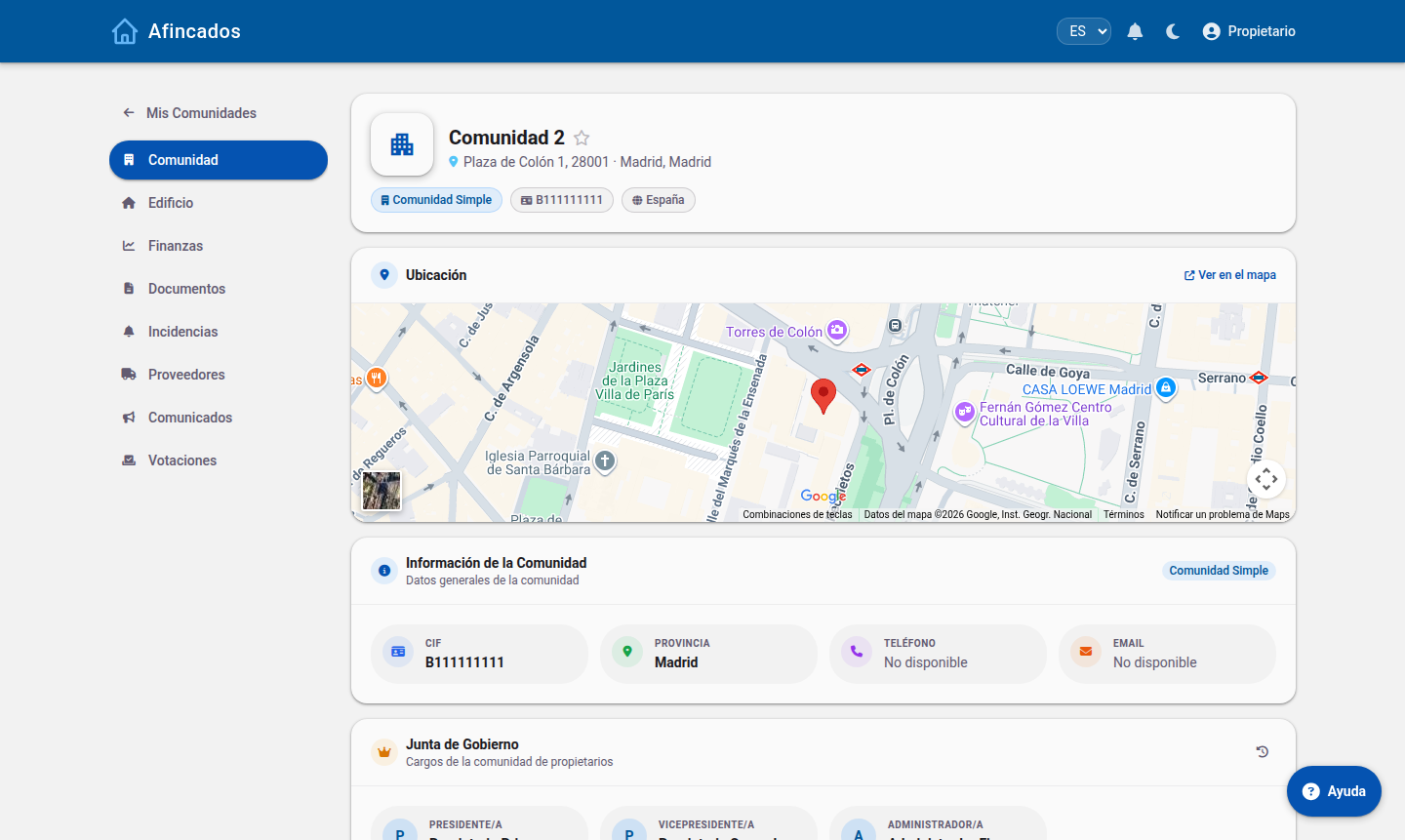
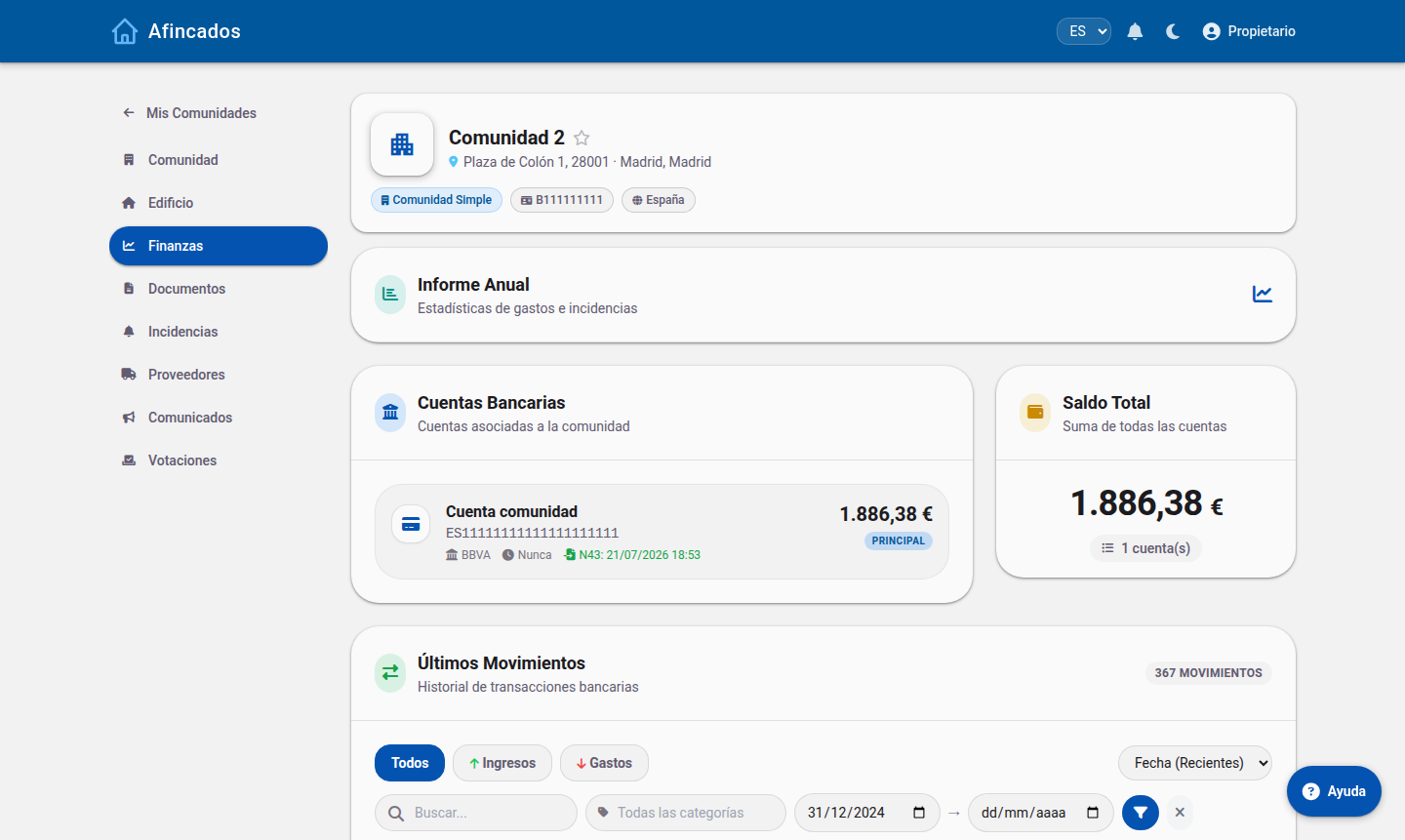
Fees and finances
Check the community's financial position: accounts, balance and transactions. It is a read-only view.
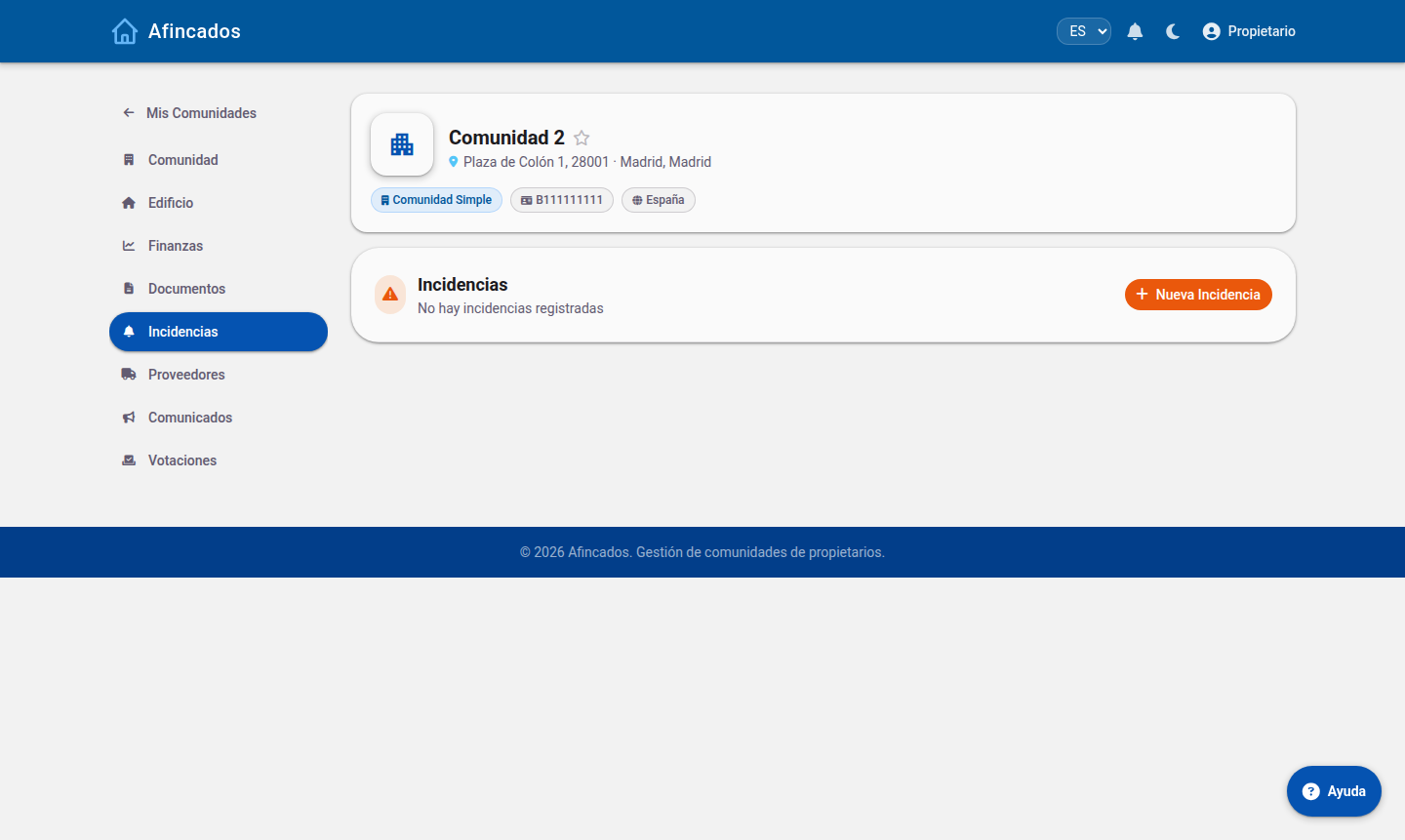
Incidents
You can report an incident and follow its status until it is resolved.
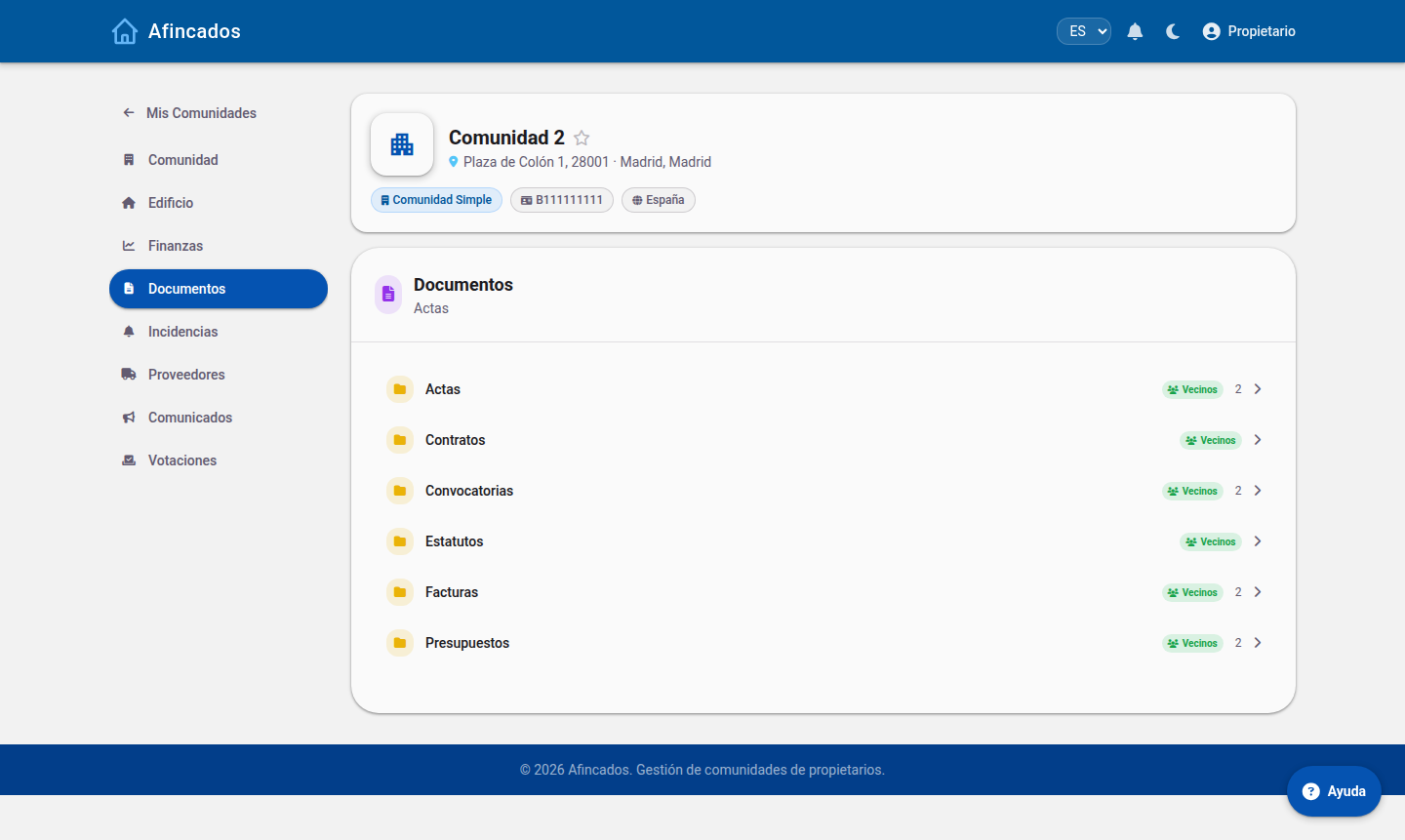
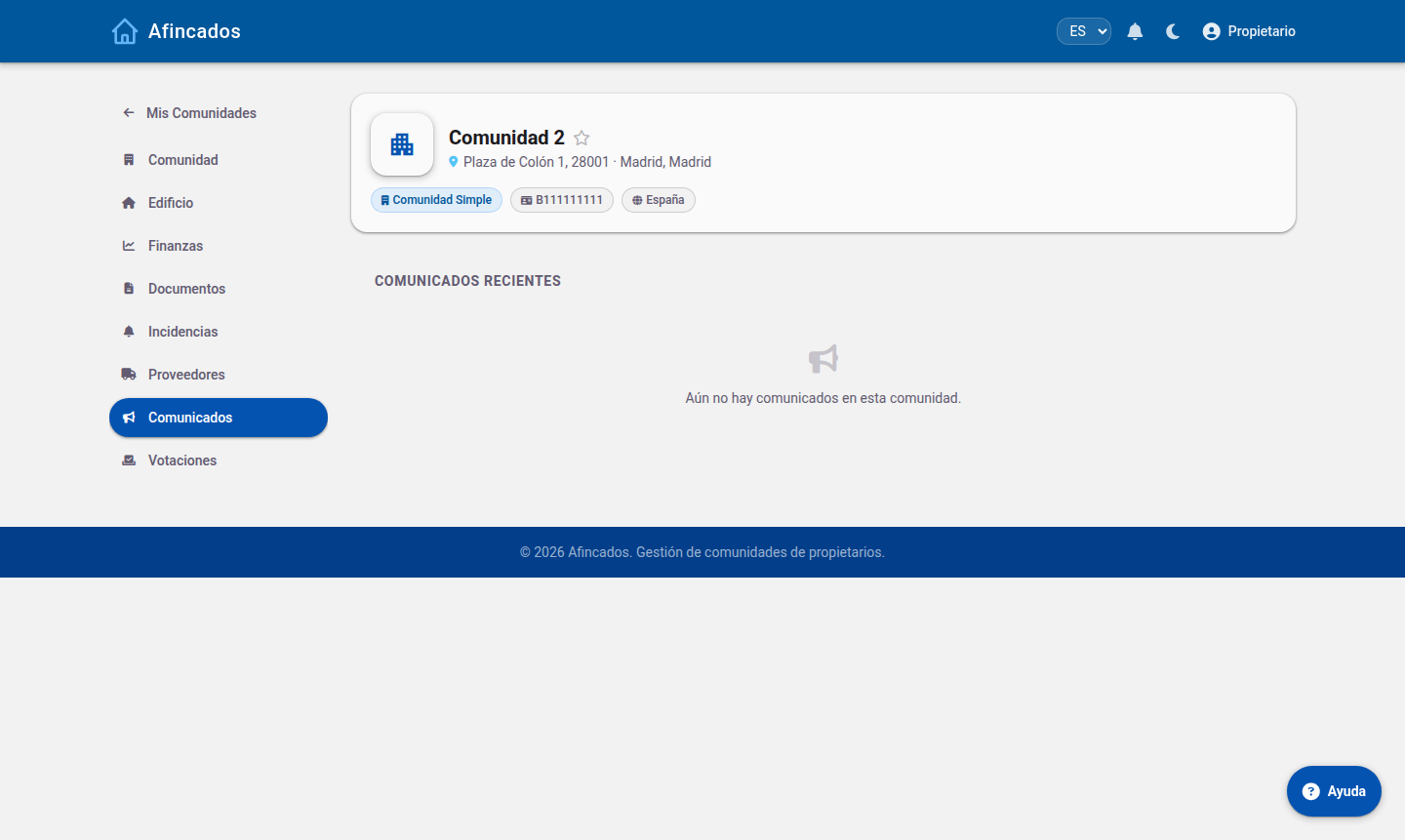
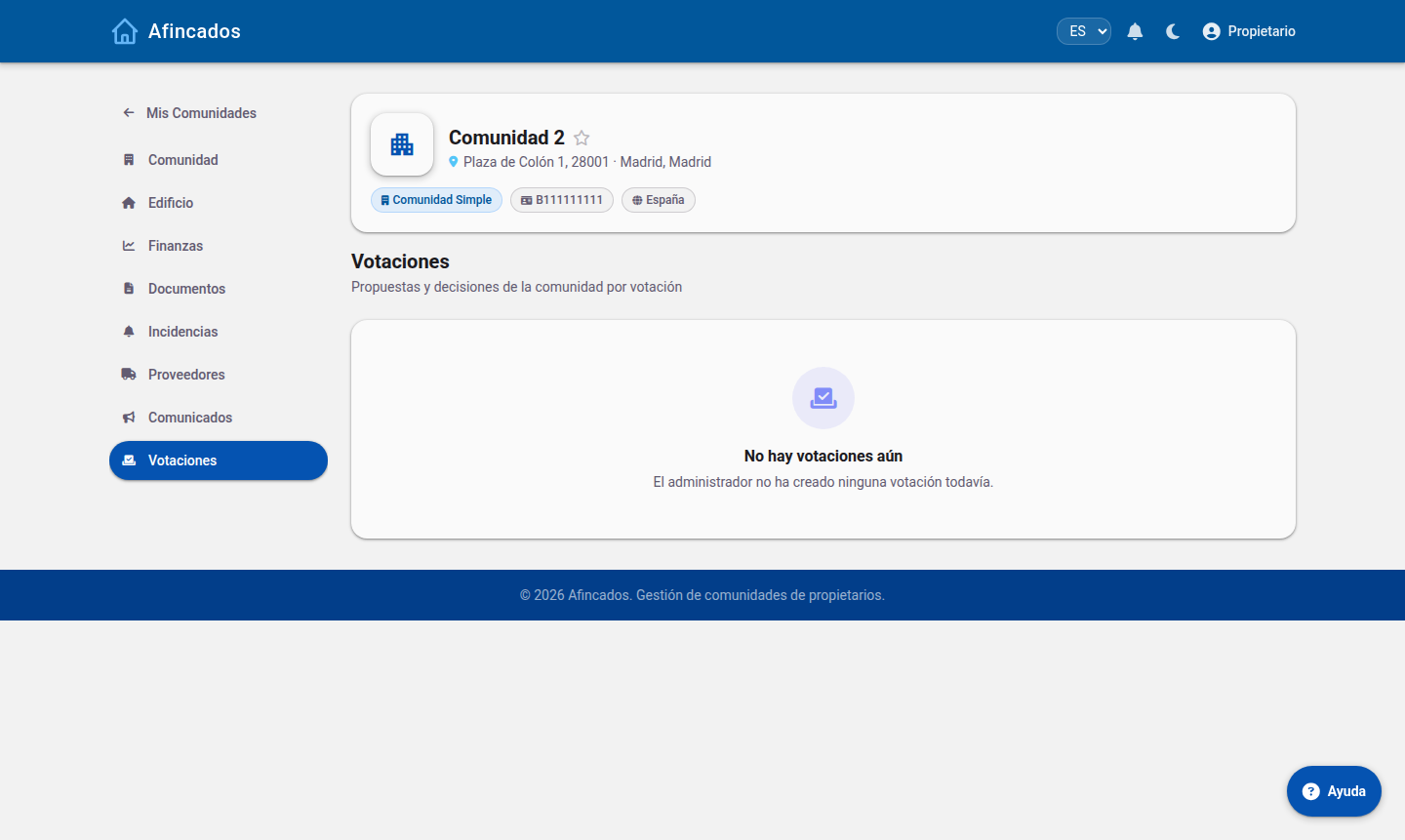
Documents, announcements and votes
Your profile
What you cannot do
- Create or change fees, direct debits and bank transactions.
- Assign incidents to suppliers or close them.
- Call meetings or publish minutes.
- Add users or properties.