Updated on
15/09/2026
Everything you can do as a property manager: communities, building, finances, tax, incidents, suppliers and communication.
The property manager is the role with the most permissions in the application. It is the only one that sees the Tax, LPH Advisor, Calendar and Manager inbox tabs, and the only one that can create new communities.
Your communities
After signing in you land on My Communities, with one card per community you manage. The New Community button creates a community and starts the setup wizard.
 Community list. The badge shows your role in each one.
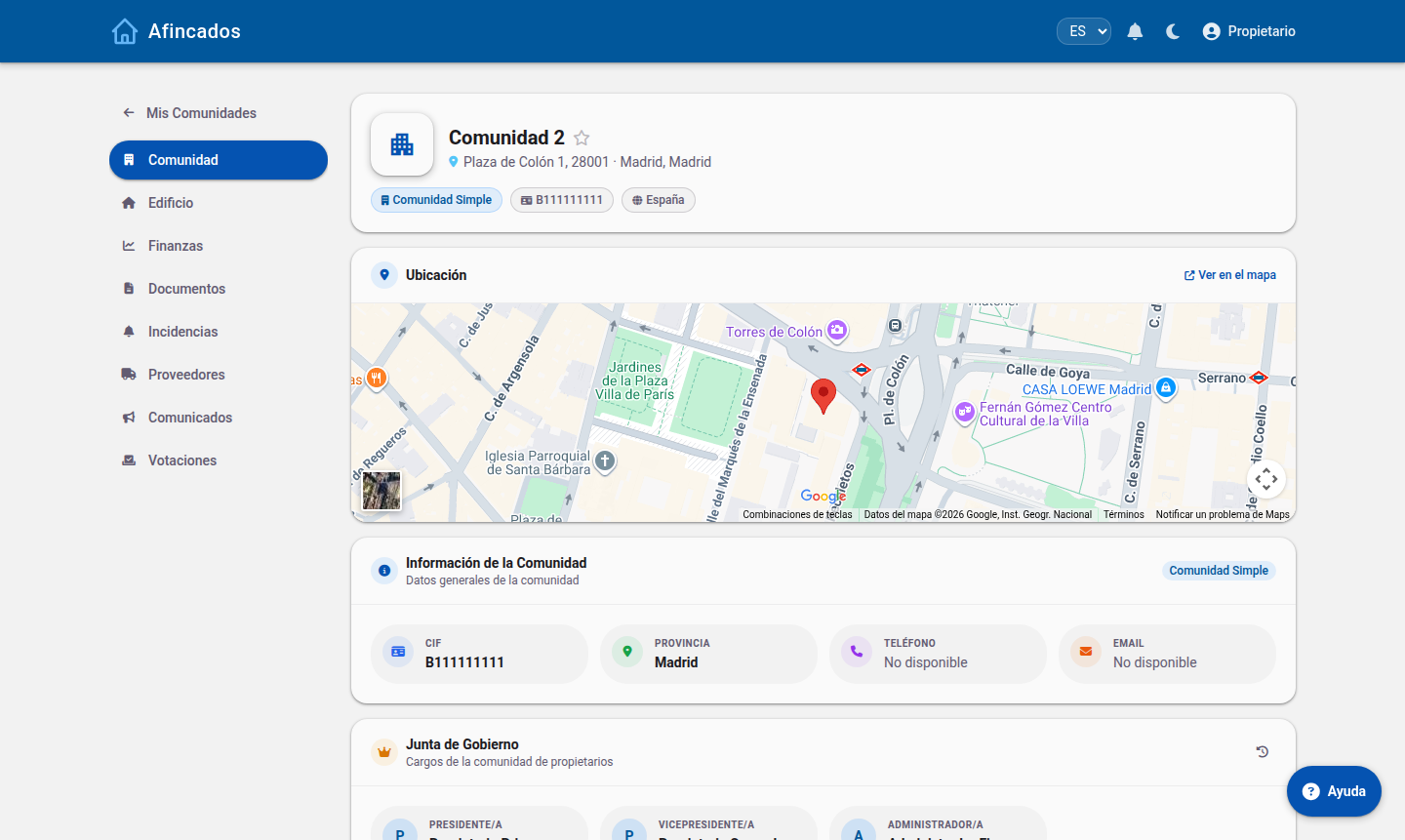
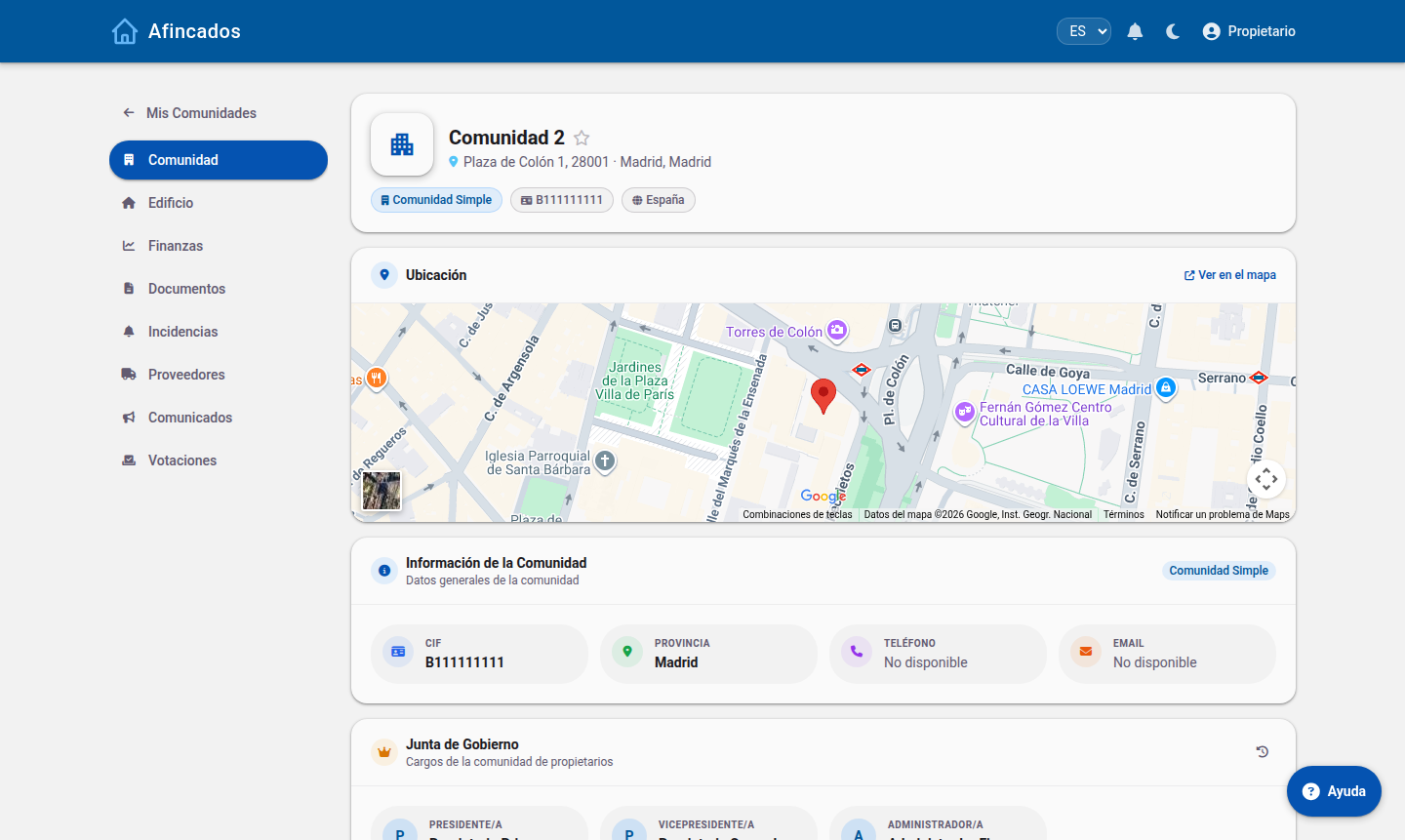
Community tab
The general record: address, tax ID, cadastral reference, contact details, the board and the users. From here you add residents, assign board positions and edit the community details.
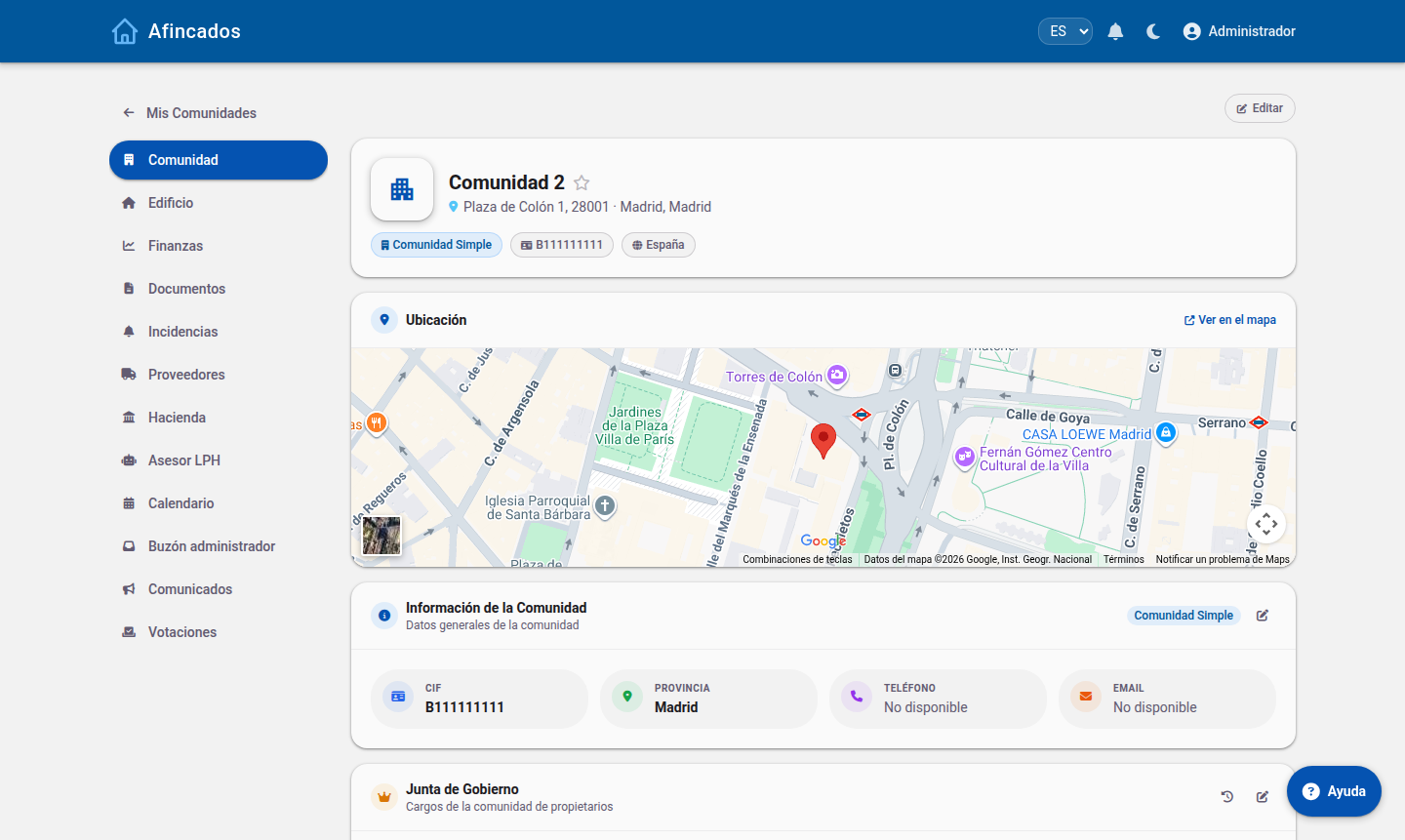 Manager view: the sidebar includes Tax, LPH Advisor, Calendar and Manager inbox.
Building tab
The physical structure: divisions (entrances, car parks…), properties and ownership shares. You can add properties one by one, import them from the Cadastre, upload a CSV, open the 3D model and export the list as PDF.
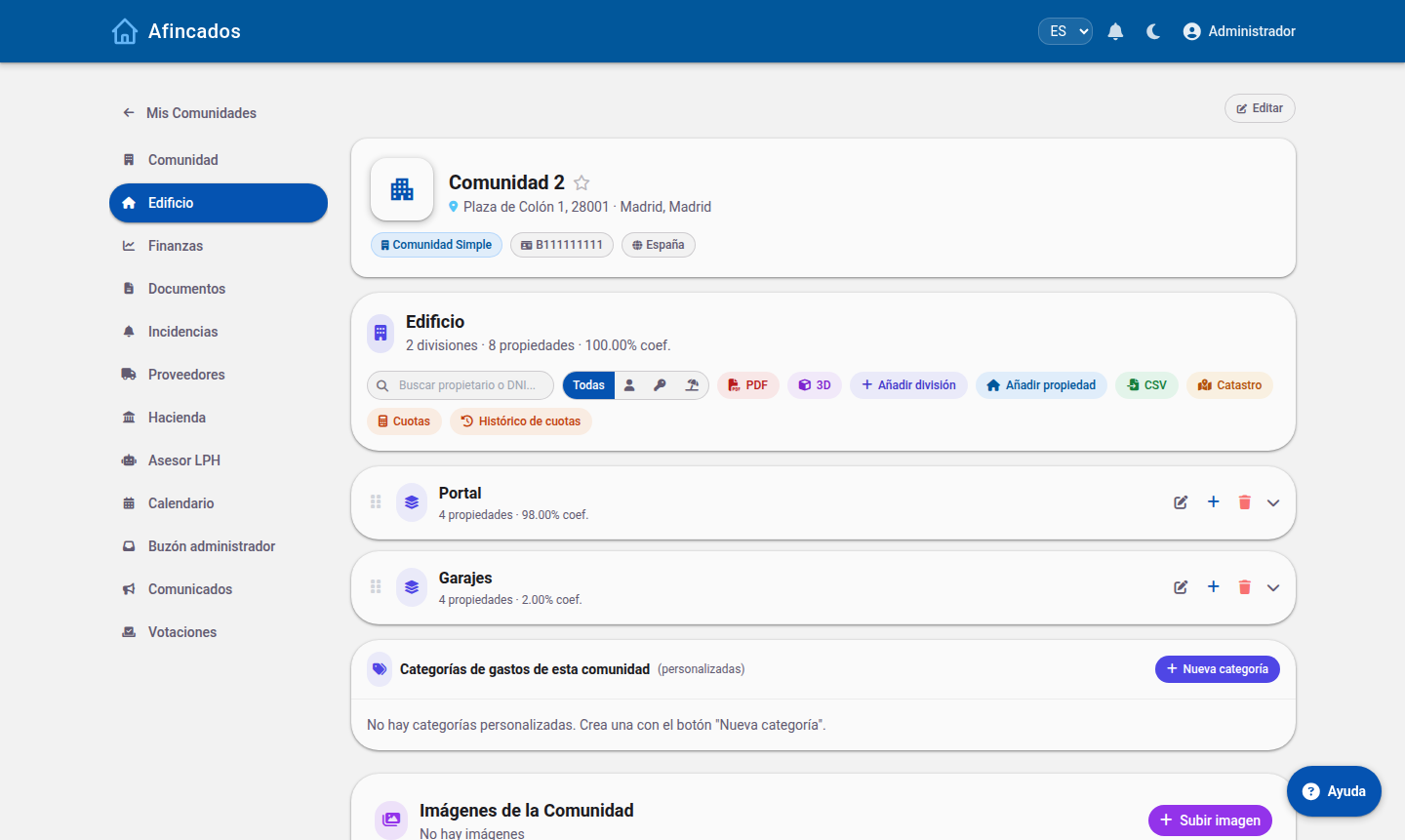 Divisions and ownership shares. Make sure the total adds up to 100%.
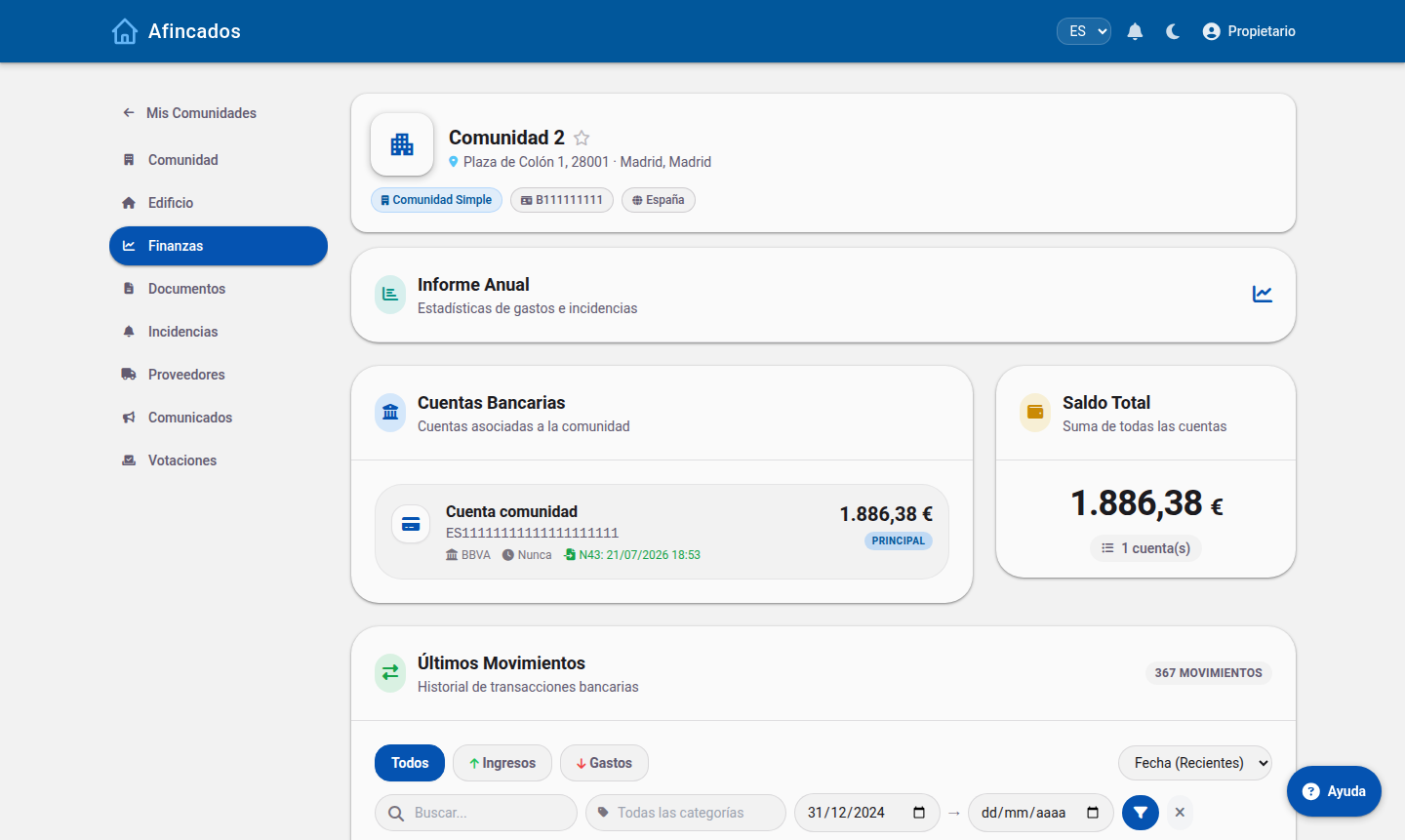
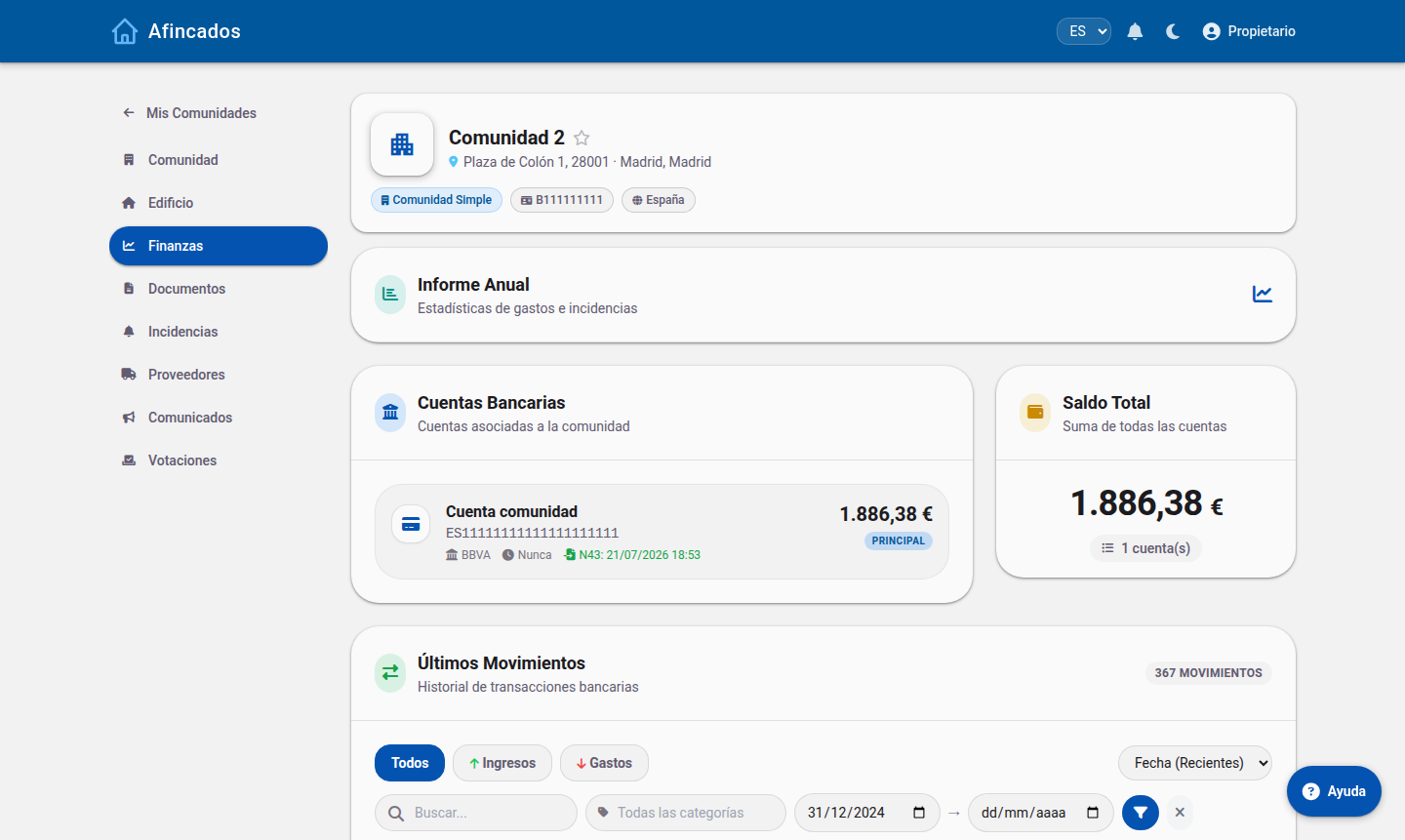
Finances tab
Bank accounts, transactions (with Norma 43 import), expense categorisation, ordinary and extraordinary fees, SEPA direct debits, arrears and the annual report.
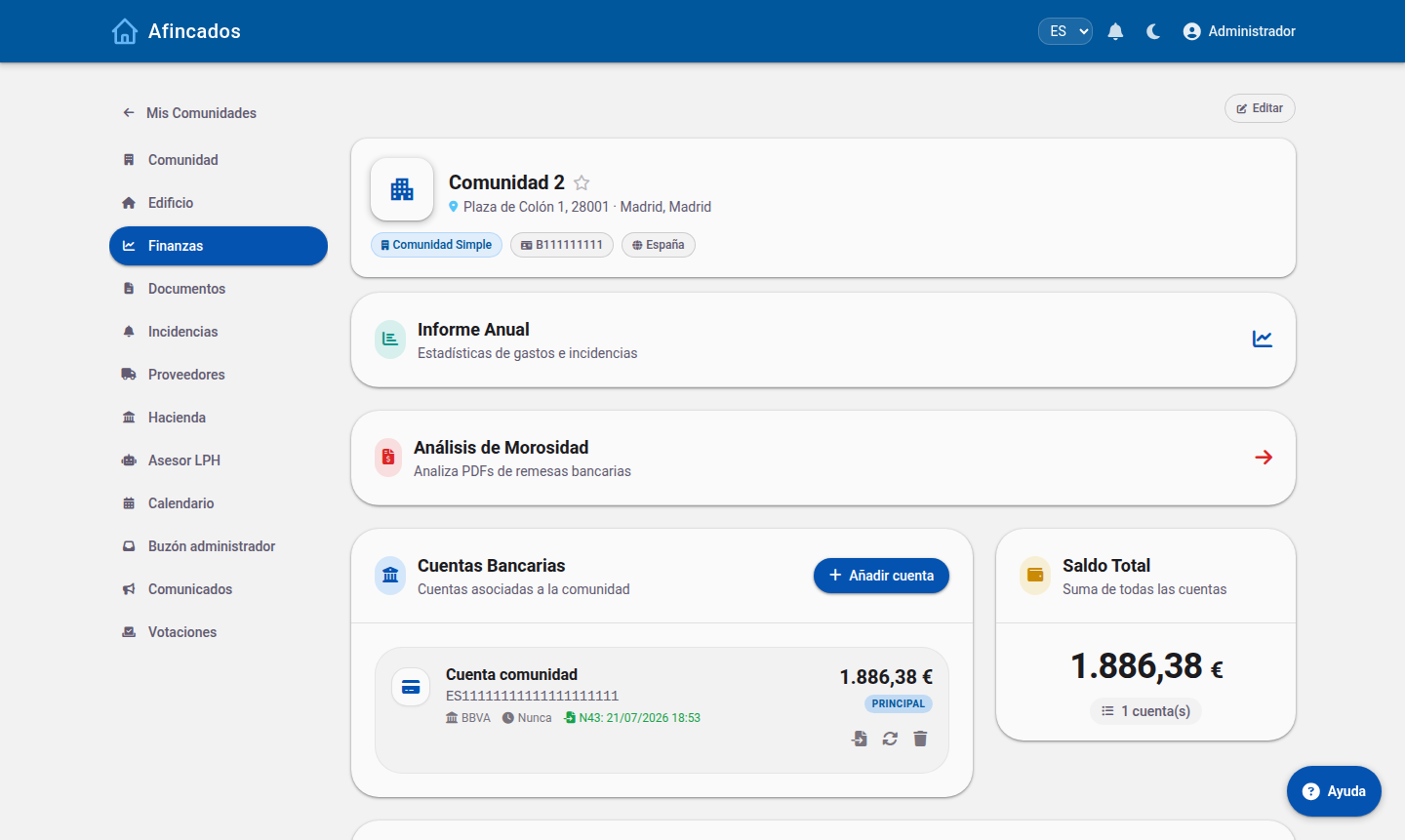 Accounts, total balance and shortcuts to the annual report and arrears analysis.
Tax tab (manager only)
Exclusive to your role. It holds the staff on payroll (porters, caretakers), the monthly payslips with social security and income tax, other income sources and the community's tax obligations (forms 347, 111, 190, 303…).
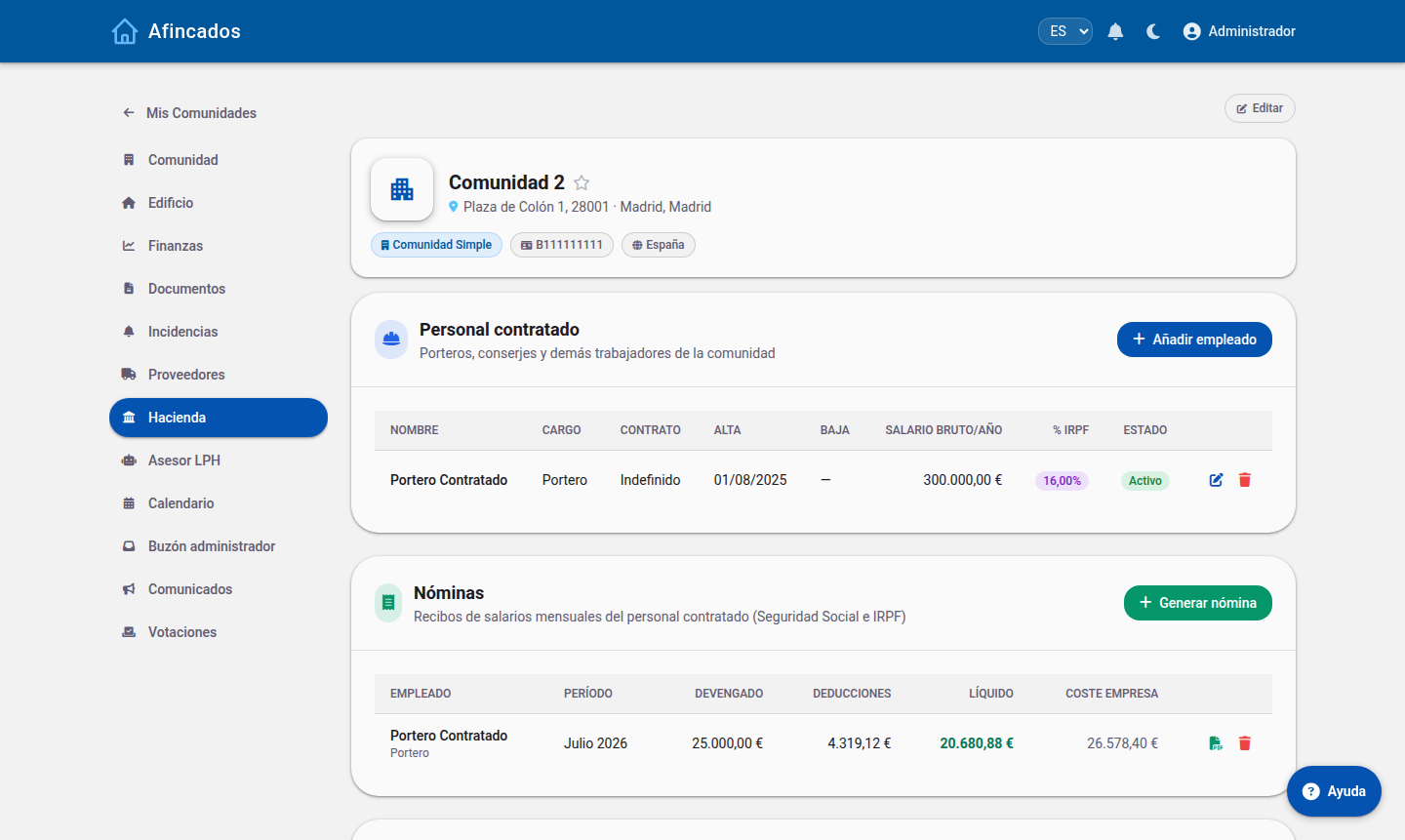 Adding employees and generating payslips.
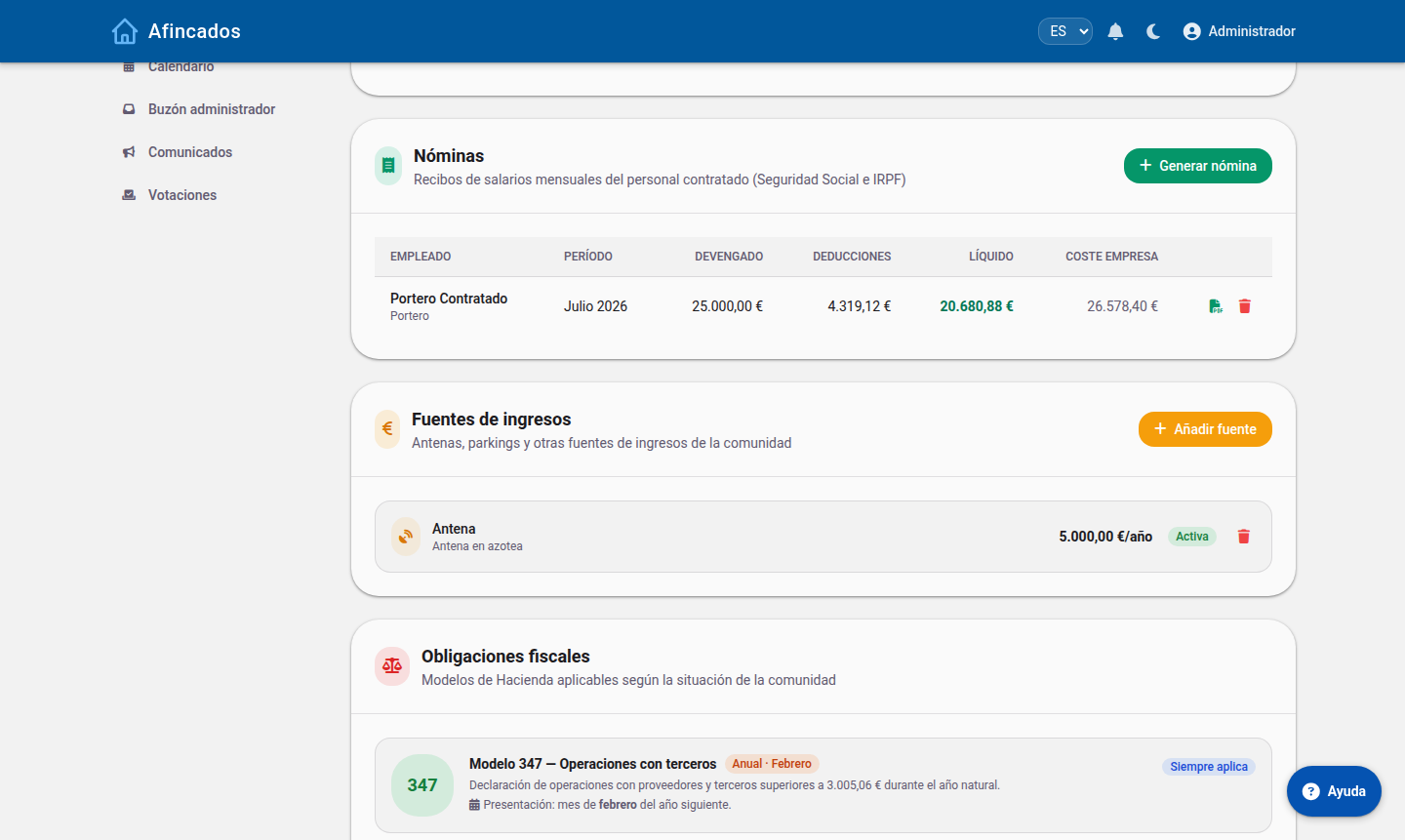 Generated payslips and the tax forms that apply to the community.
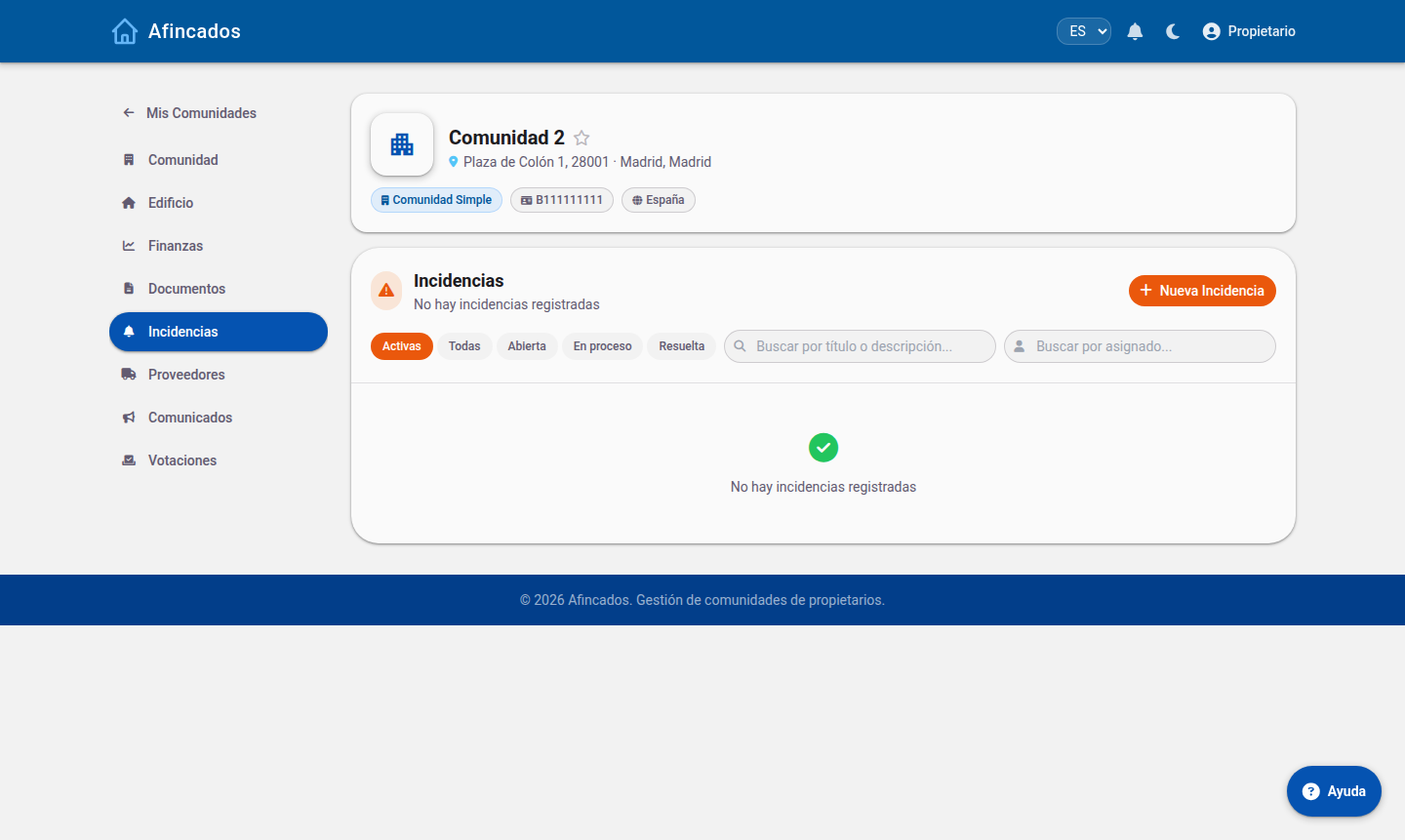
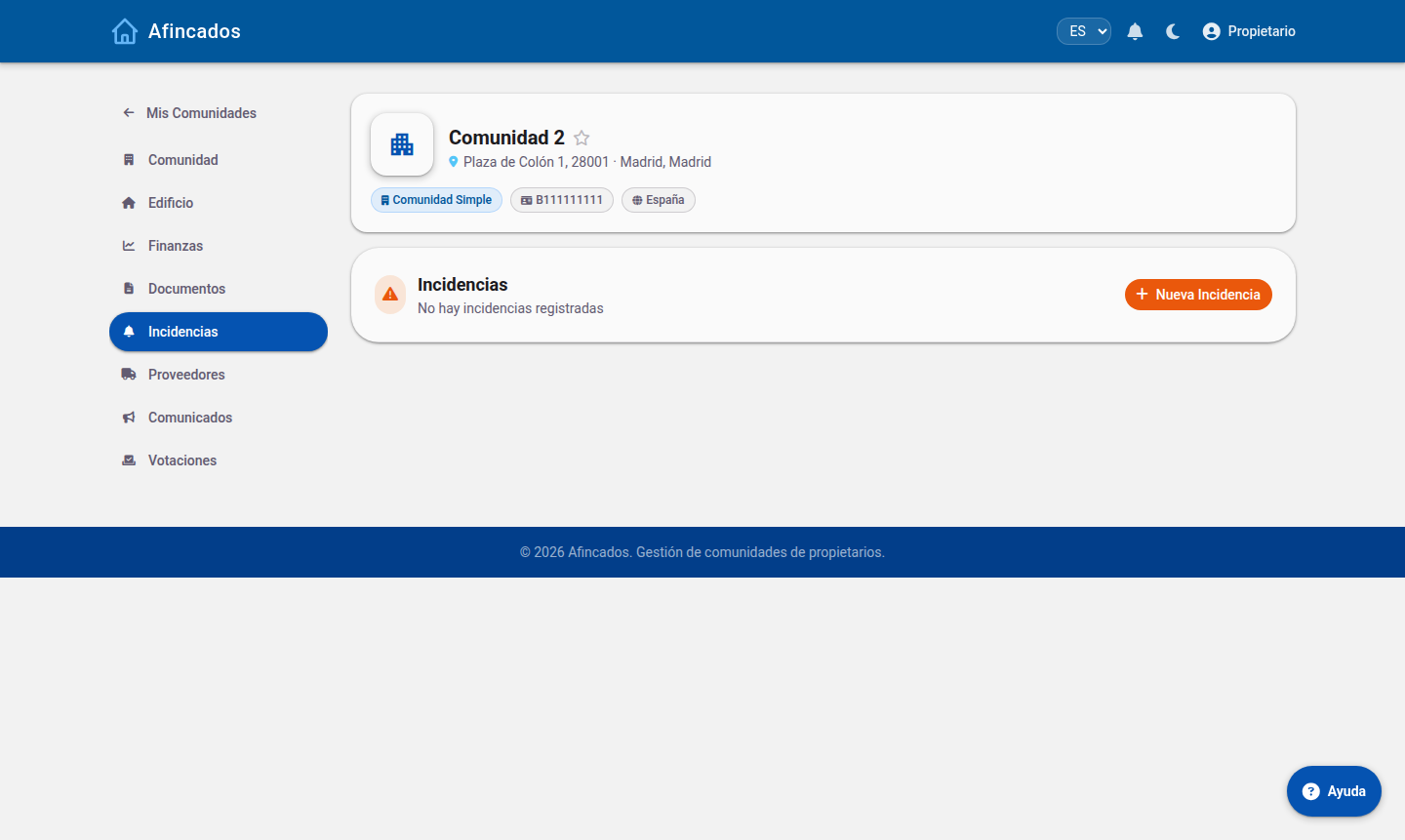
Incidents tab
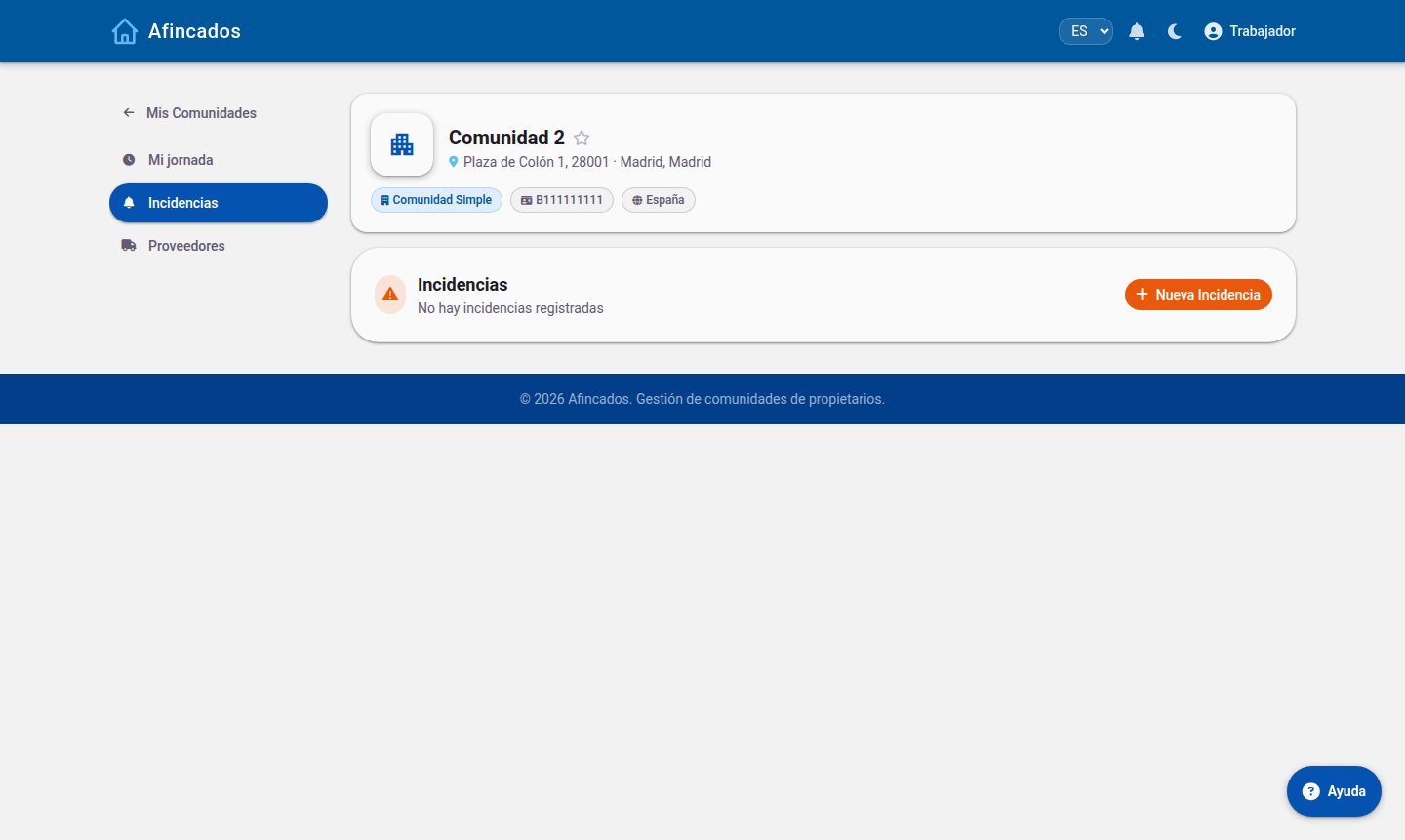
Every incident in the community, filtered by status (Active, All, Open, In progress, Resolved). You can create, edit, assign them to a supplier or a worker, and close them.
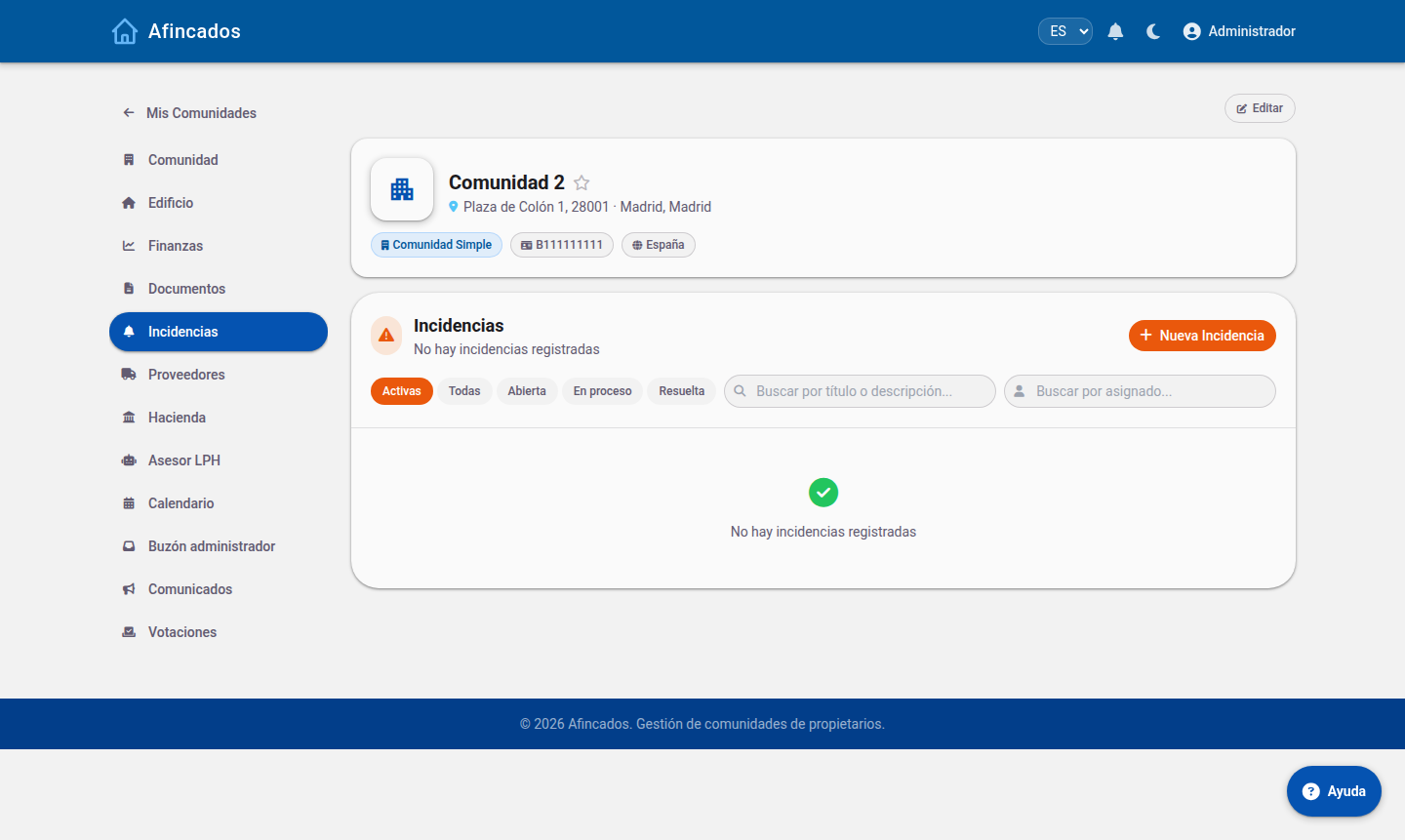 Only active incidents are shown by default: click «All» to see resolved ones too.
Suppliers tab
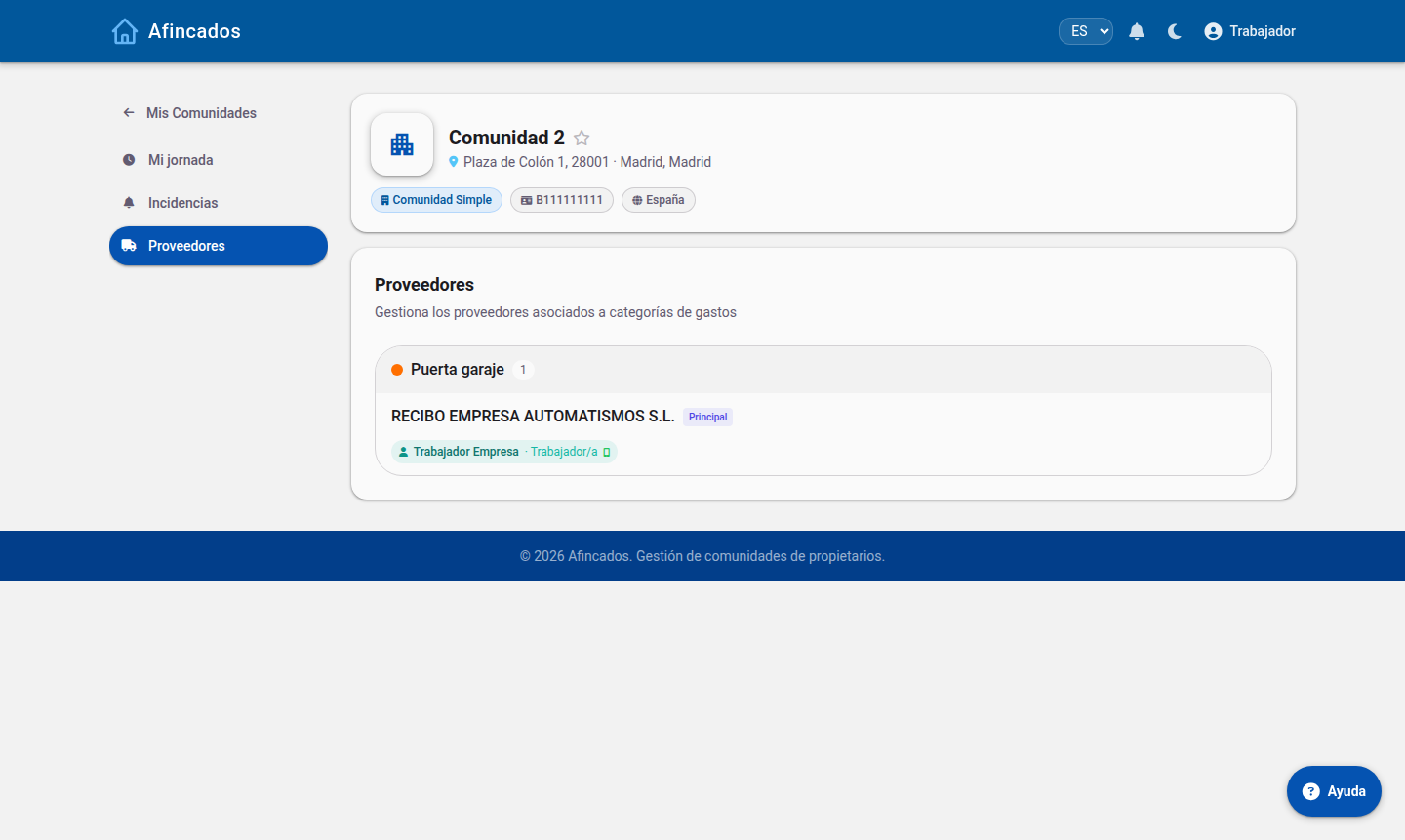
Suppliers grouped by expense category, with their schedules and the workers assigned to them. Detect suppliers suggests suppliers from your bank transactions.
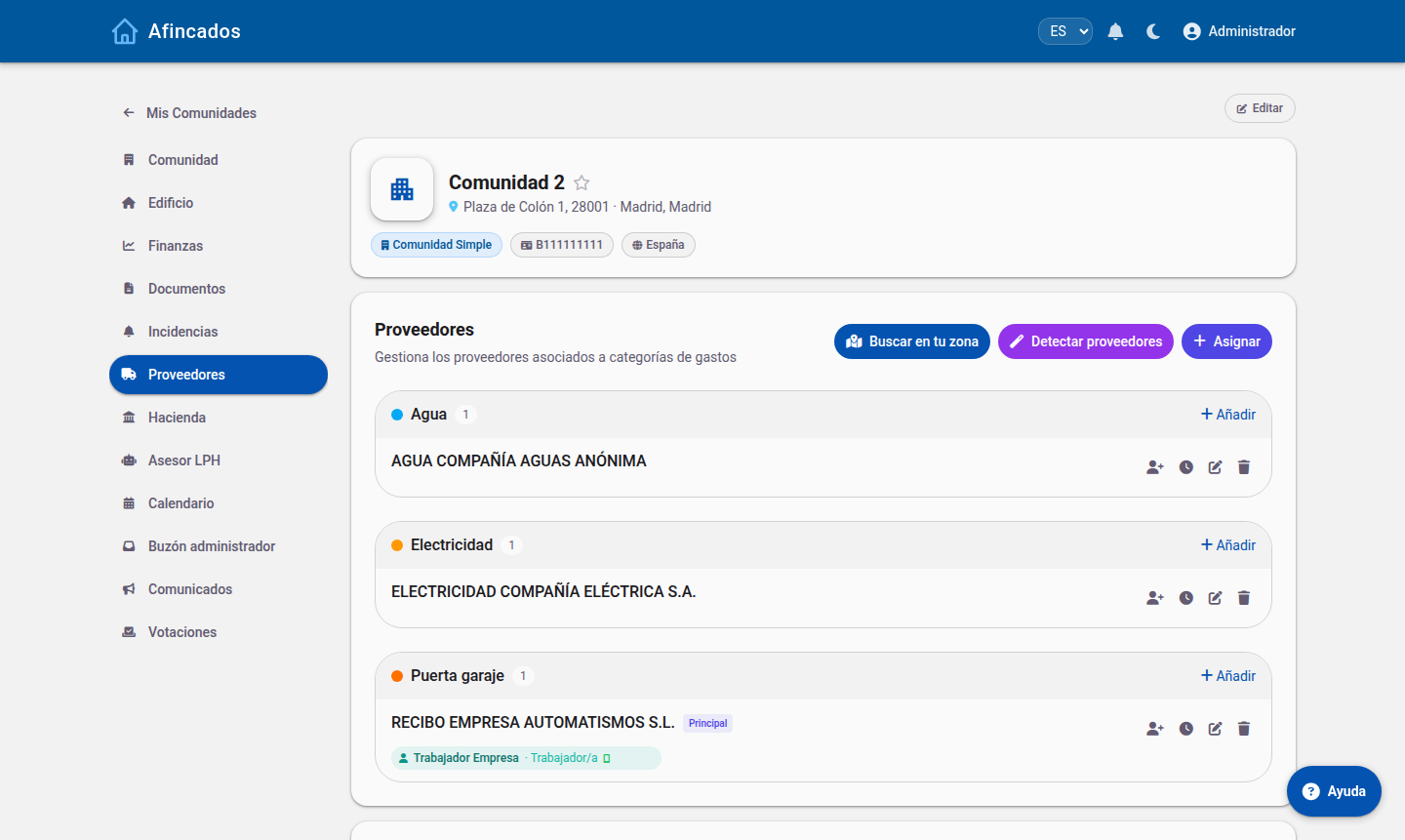 Each supplier shows its shifts and the workers with access to the app.
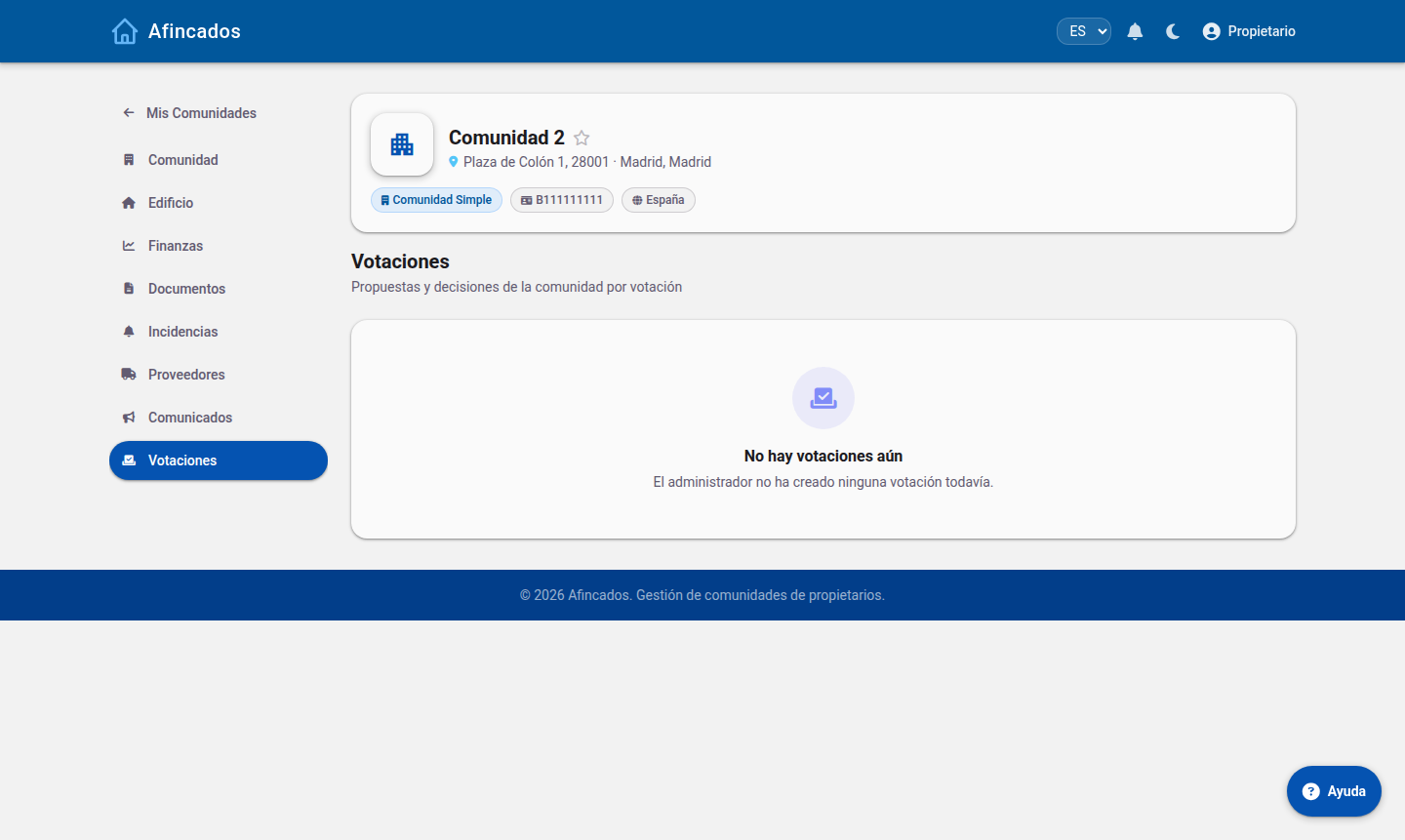
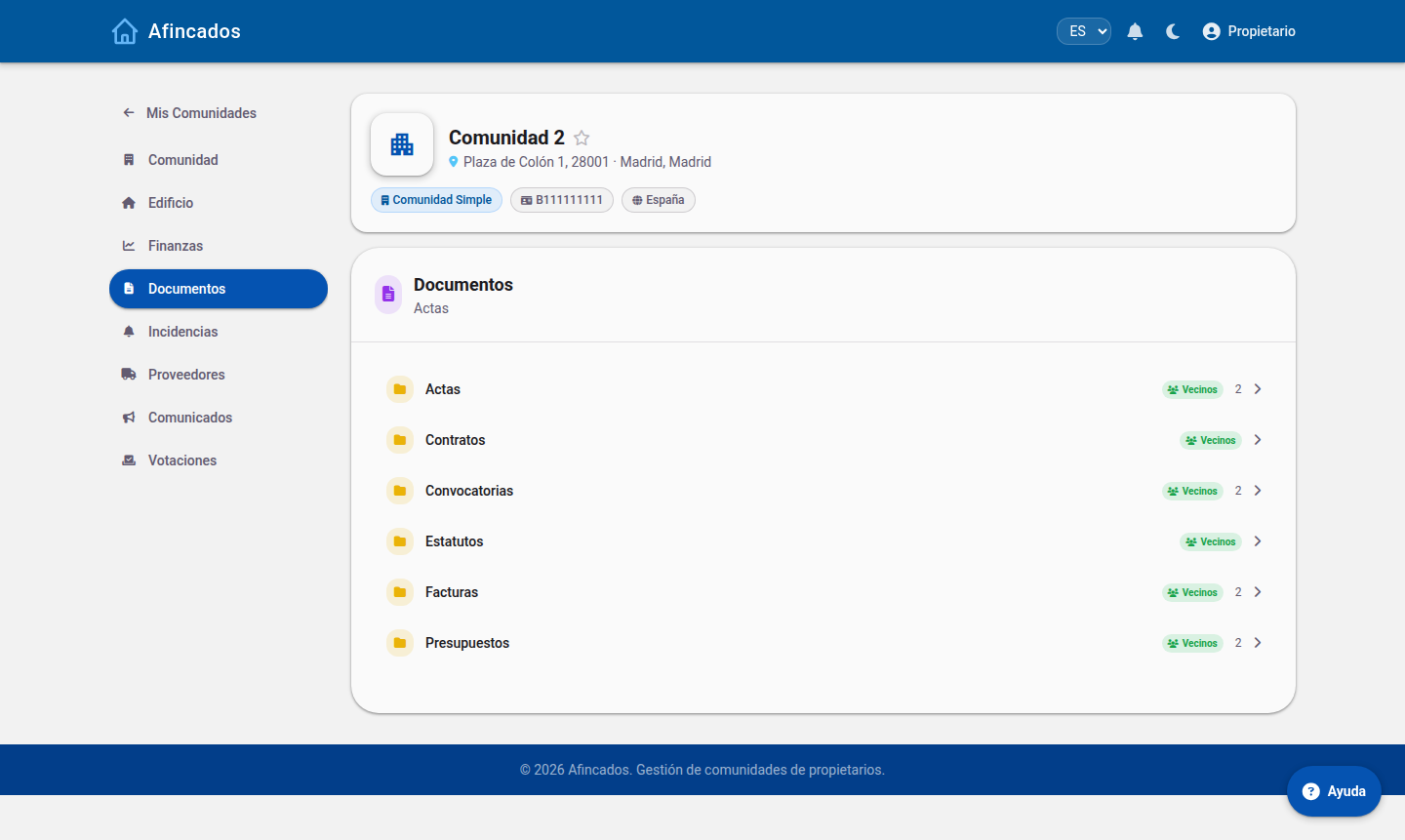
Documents, announcements and votes
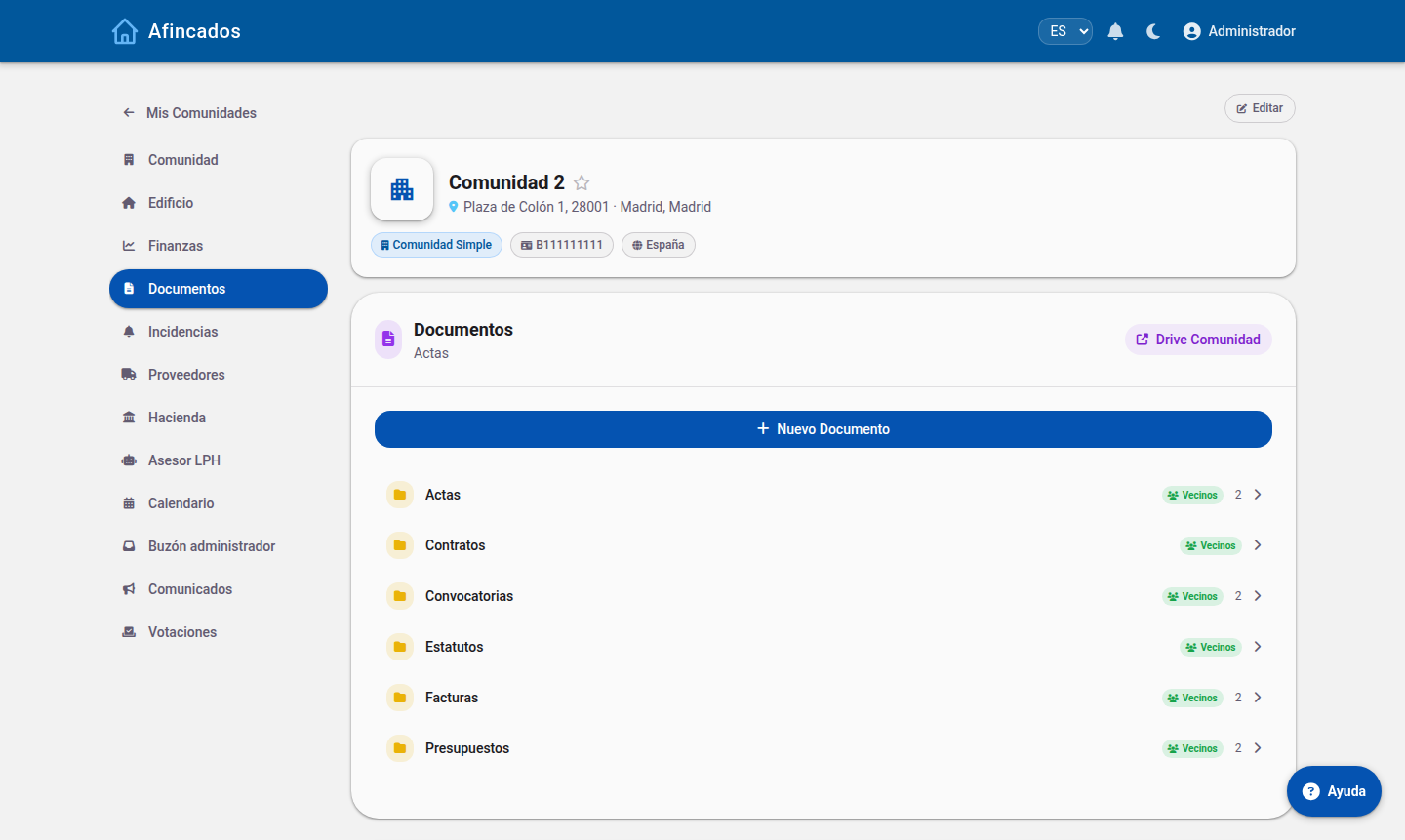 The «Residents» badge marks the folders owners can see.
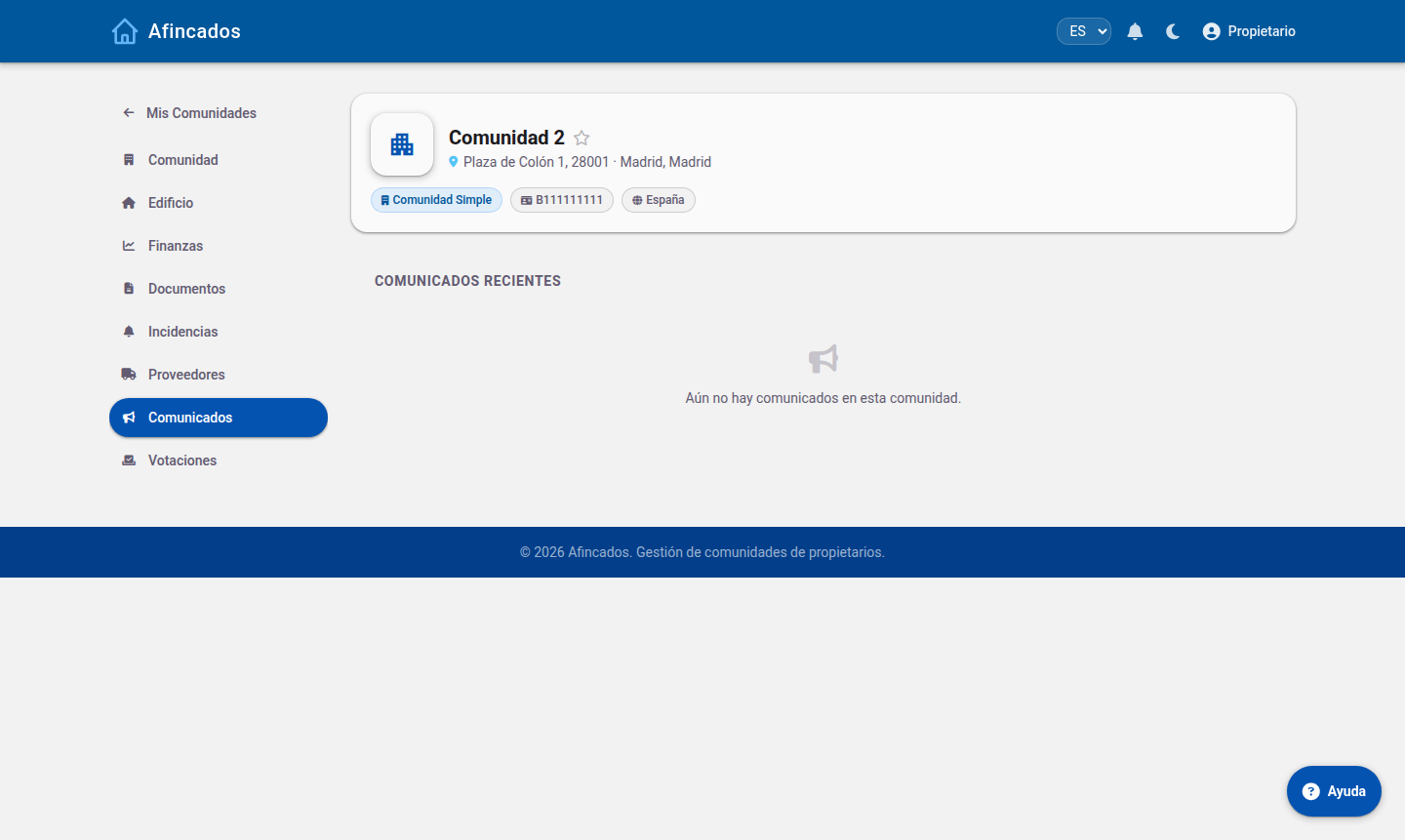
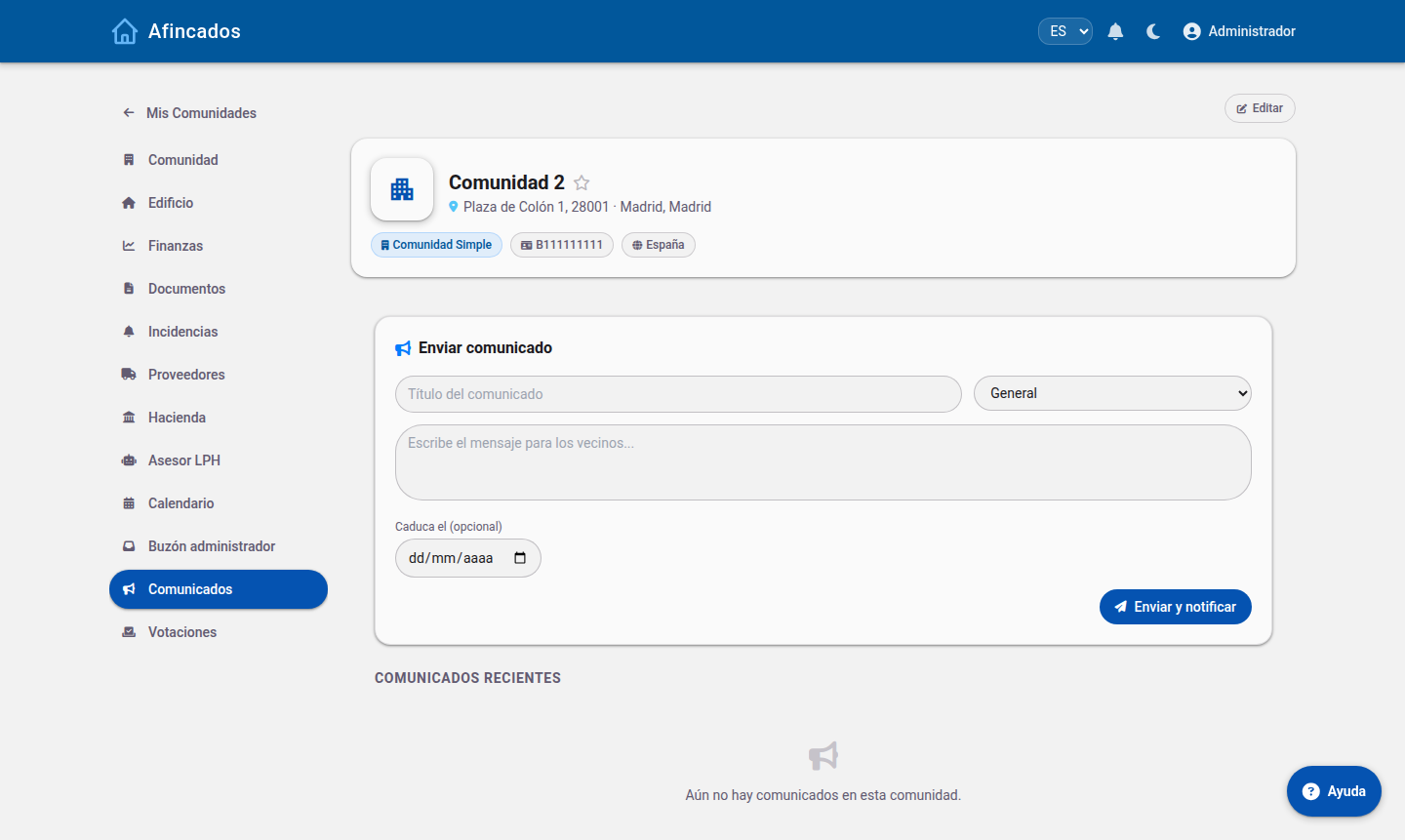 Urgent announcements are highlighted in the residents' app.
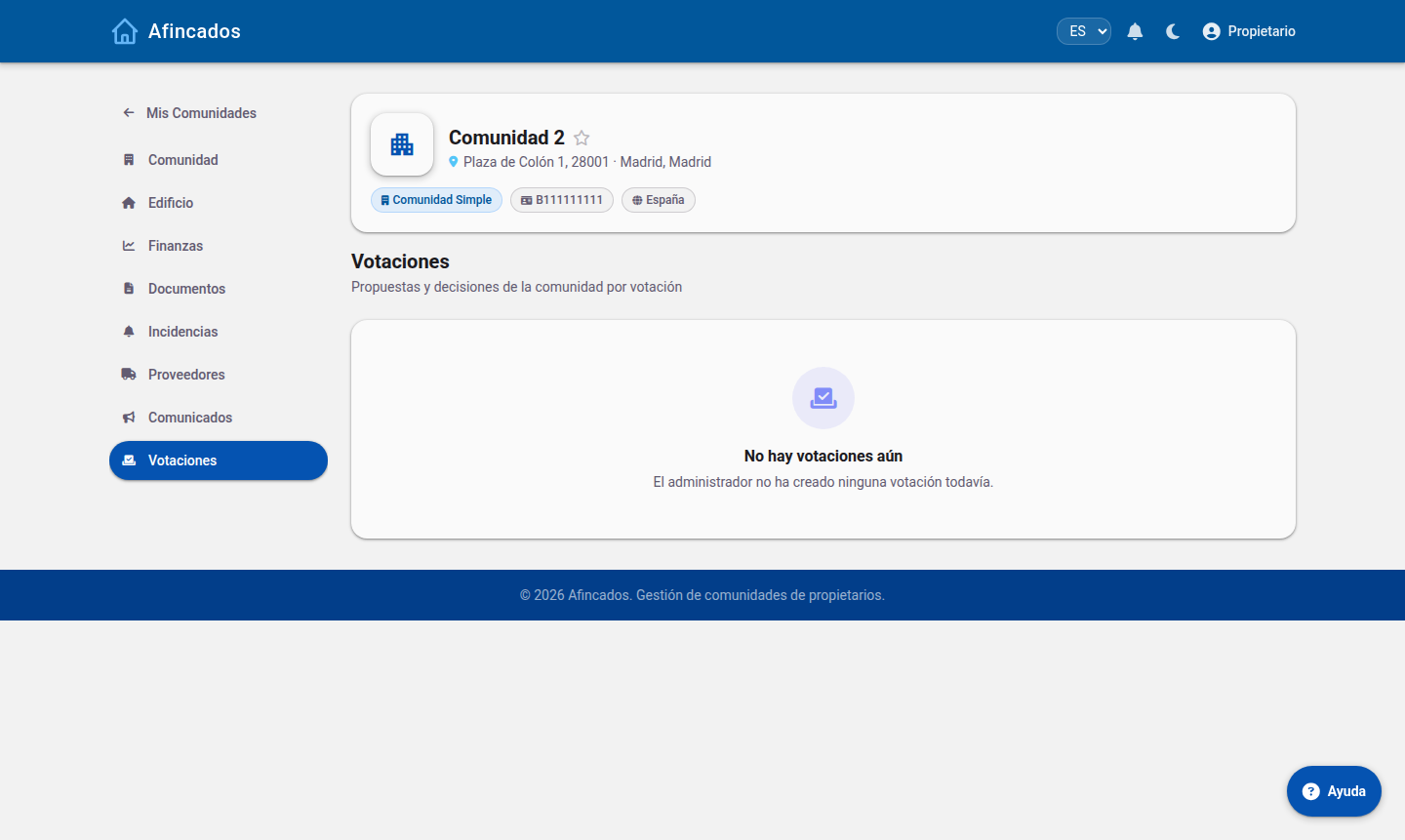
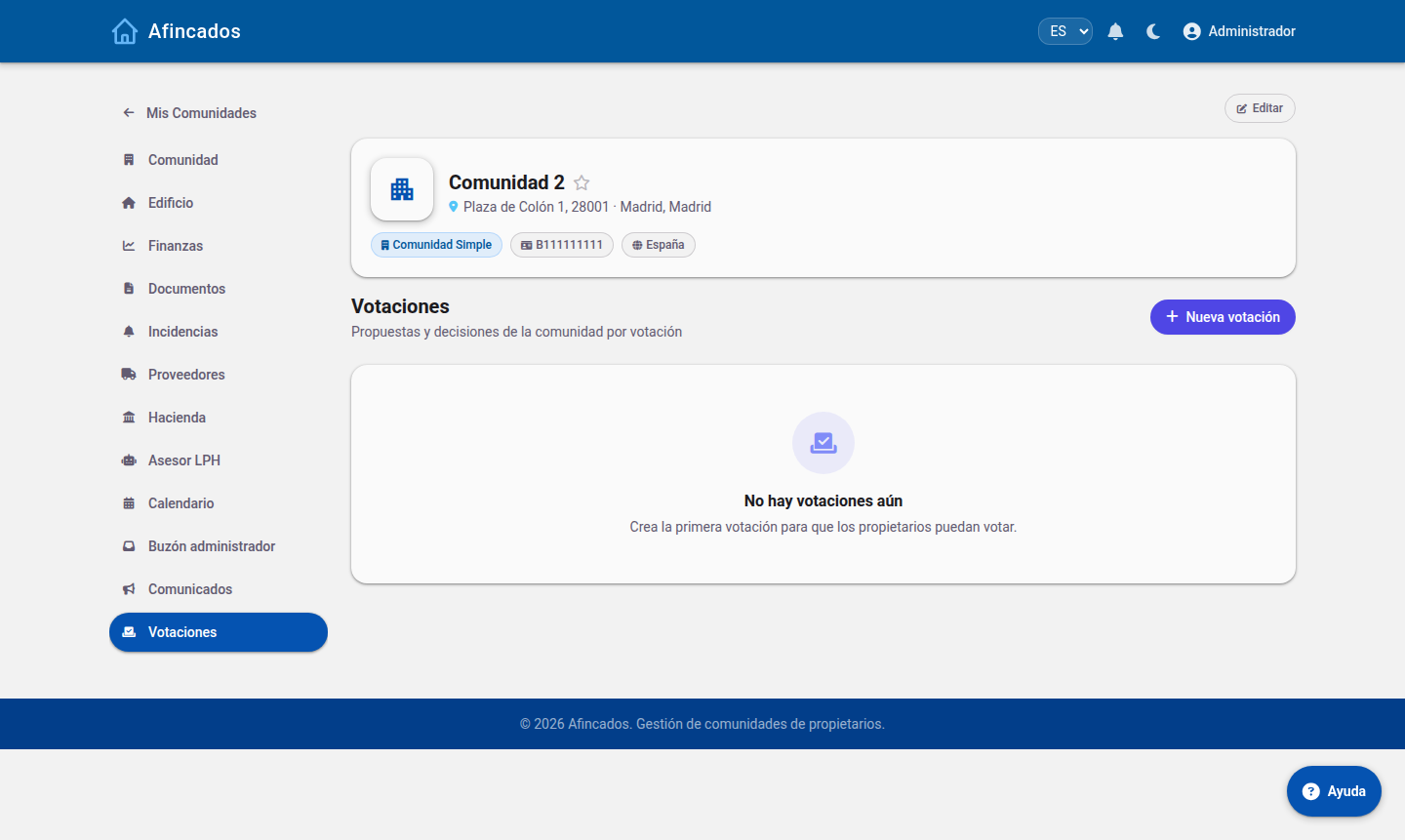 Live results and turnout by property.
LPH Advisor
An AI assistant for questions about the Spanish Horizontal Property Act. It is guidance only and does not replace professional legal advice.
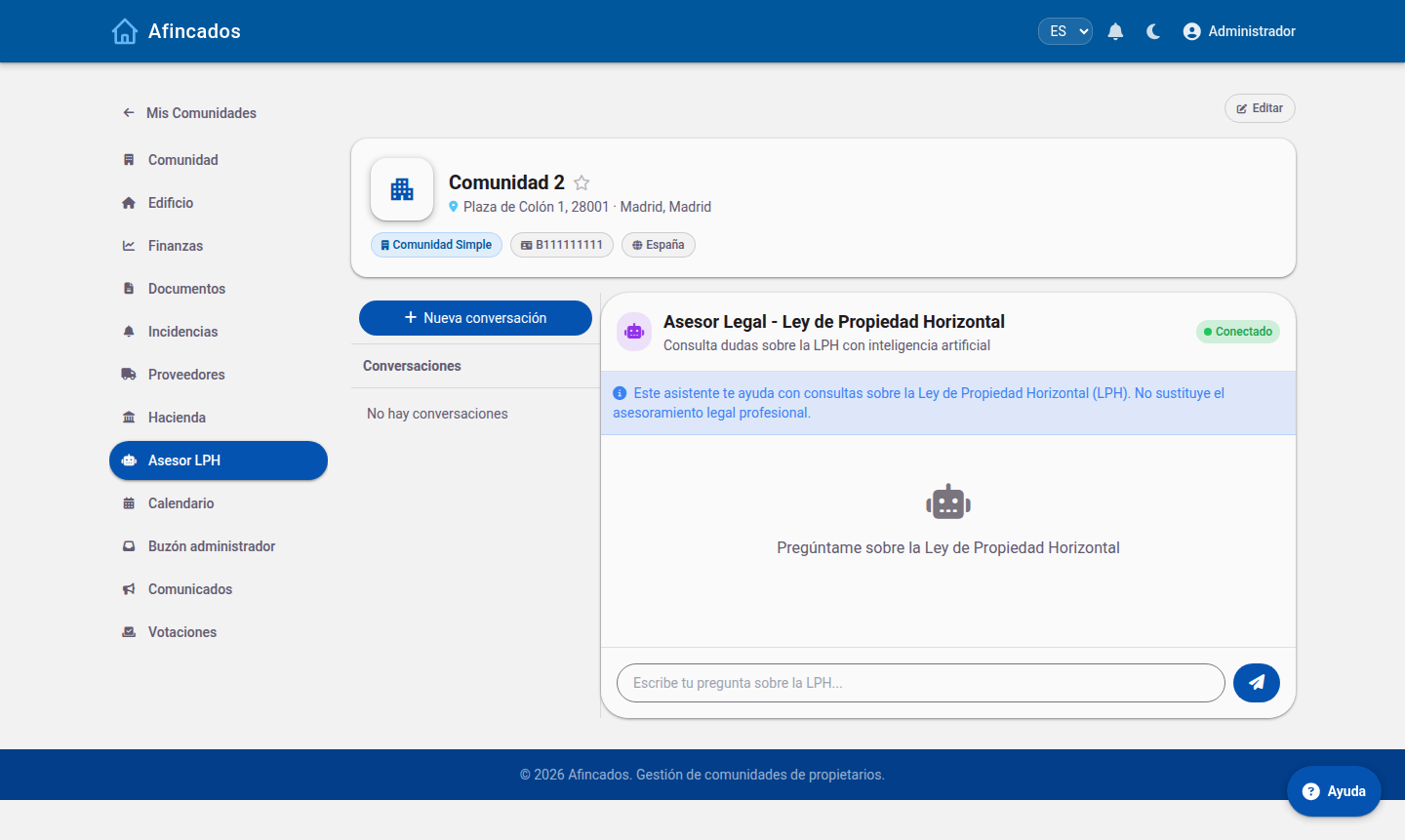 Ask about the LPH; conversations are kept in the sidebar.