Adding properties and importing from the Land Registry
Create the units with their ownership shares or pull them straight from the Land Registry.
Properties are the foundation of the whole financial side: expenses are split across them according to their ownership share, and that is where each resident fee comes from. It is worth taking your time here so you do not have to correct fees later.
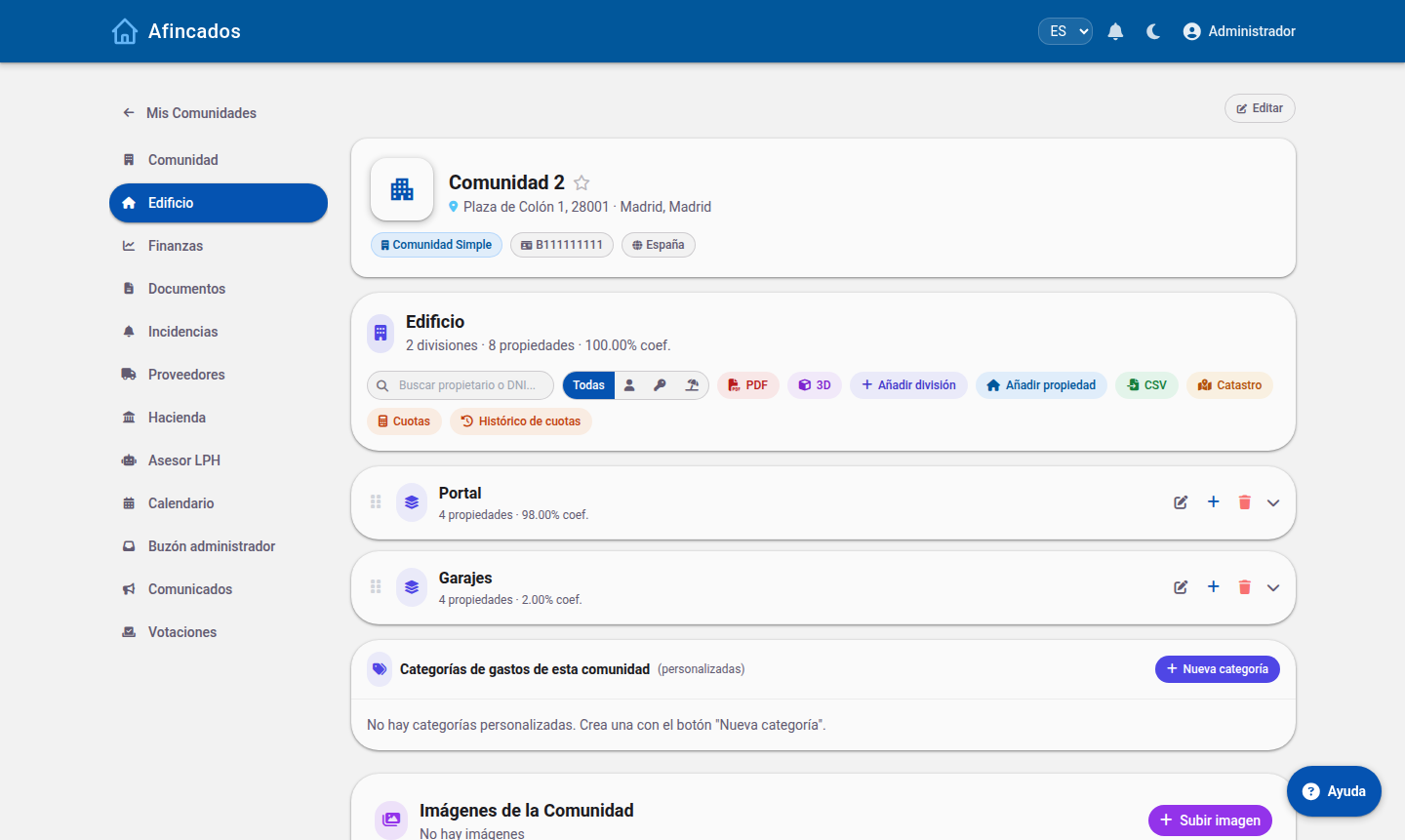
Creating a property
- Open the community and go to the Properties tab.
- Click Create property.
- Enter its identifier (for example, "3rd floor B" or "Unit 2") and the block or division it belongs to.
- Select the type: flat, commercial premises, garage or storage room.
- Enter the ownership share, which determines what portion of each expense it carries.
- Assign the owner, if they are already registered as a user.
- Save.
The ownership shares of all properties must add up to 100. The application warns you if they do not.
Importing from the Land Registry
If you know the Land Registry reference of the building, you can skip creating units by hand:
- On the Properties tab, click Query Land Registry.
- Enter the Land Registry reference of the building.
- The application queries the Land Registry and lists every unit found, with its floor area and its use.
- Review the list, tick the ones you want to bring in and click Import.
The properties are created with the registry data already filled in. All that is left is to adjust the ownership shares and assign owners.
Importing from CSV
You can also upload a file with the full list of units. Download the template from Import properties, fill it in and upload it; you will see a preview before confirming.
Bulk operations
Once you have a lot of properties, select them with the checkboxes on the left and apply changes to all of them at once:
- Assign division: move several units to the same block.
- Change type: for example, mark every garage on a floor.
- Assign expense categories: define which costs affect that group of properties.
- Delete: remove several units in one go.
Before you calculate fees
Check that every property has an ownership share, an owner and the right expense categories. If a garage should not pay for the lift, remove that category from it: this is how you make the split of costs match what the community agreed.