Generating SEPA direct debits and recording payments
Collect the fees by direct debit and track who has paid and who has not.
A direct debit run is the file you send to the bank to collect the fees of every owner on direct debit in one go. The application generates it in the SEPA format banks accept.
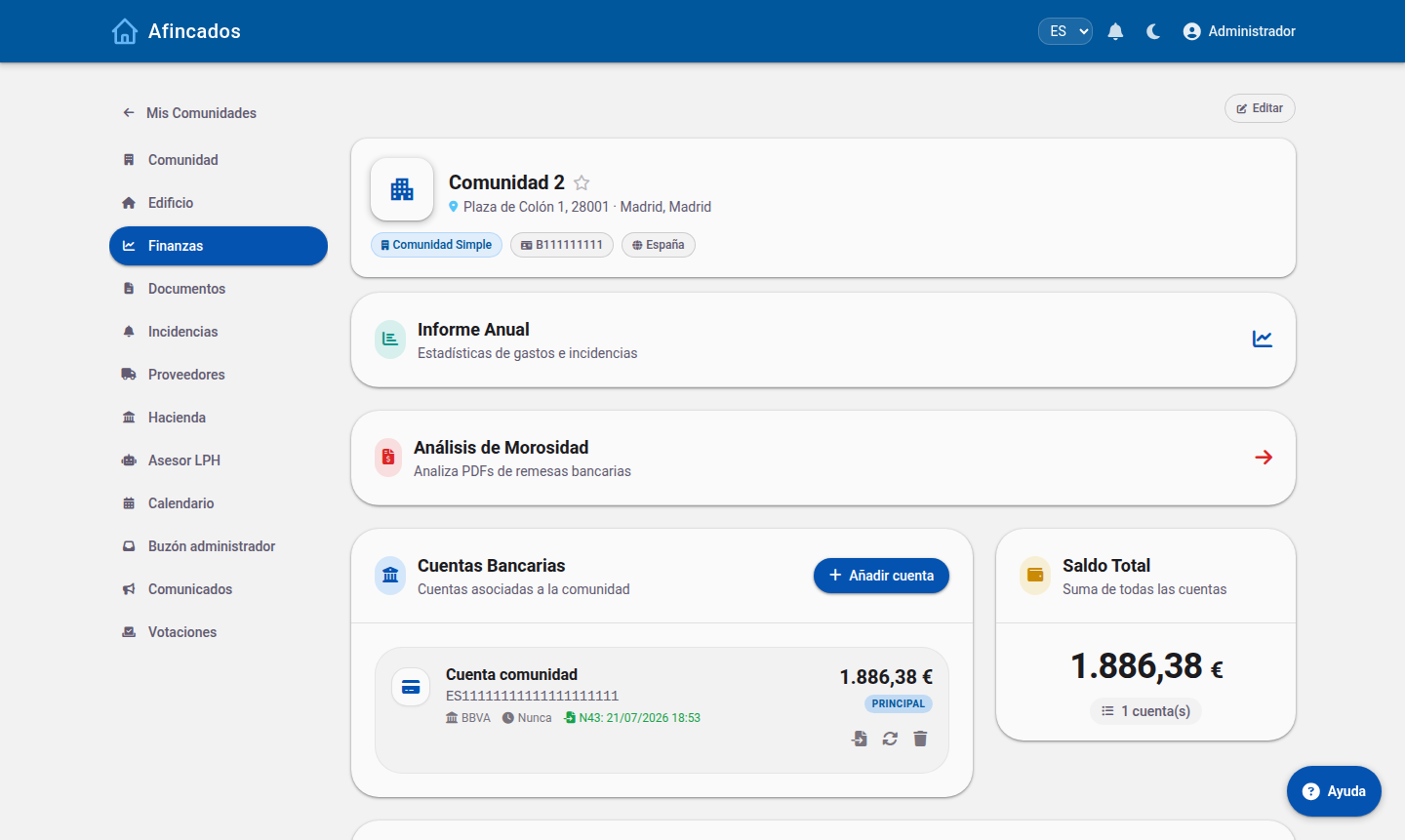
Before you generate it
- The community must have its tax number and its SEPA creditor identifier, which your bank provides.
- Every owner paying by direct debit must have their IBAN on record.
- The fees for the period must be calculated and saved.
Generating the file
- Open the community and go to the Fees tab.
- Find the fee or levy you want to collect and click Generate direct debit.
- Enter the charge date: the day the bank will take the payments.
- Review the list of payments included. The application leaves out anyone without an IBAN and warns you about it.
- Click Download. You get an XML file.
- Upload that file to the community online banking.
The Direct debit report button produces a PDF with every payment and its amount, handy for your records and for reconciling with the bank.
Recording payments
The Payments tab shows, for each property, whether its fee is paid or outstanding.
- Click the indicator on a fee to mark it as paid or set it back to outstanding. It is a toggle: use it both to record a payment and to undo it if you made a mistake.
- If your bank account is linked, payments are reconciled automatically when transactions are synced, so you will not have to mark them by hand.
Returned payments
When the bank returns a payment, set it back to outstanding on the payments tab. That fee counts as unpaid again and the owner will start appearing in the arrears tracking, where you can manage the claim.
Analysing a run with AI
The Analyse direct debit option lets you upload the response file from the bank (or a PDF listing the returned payments) so the application can automatically work out which payments were rejected and update their status, saving you from checking them one by one.