Who sees each document and content
Folders shared with residents, read-only finances, assigned incidents and announcements: what each profile reaches.
Beyond the tabs each profile gets, some content is shared selectively. These are the four cases where visibility is decided content by content, not just by profile.
Documents: shared folders
The most important case, because you decide. Community folders (minutes, contracts, notices, bylaws, invoices, budgets) are either marked visible to residents or kept for management only. In the list, the Residents label marks the shared ones.
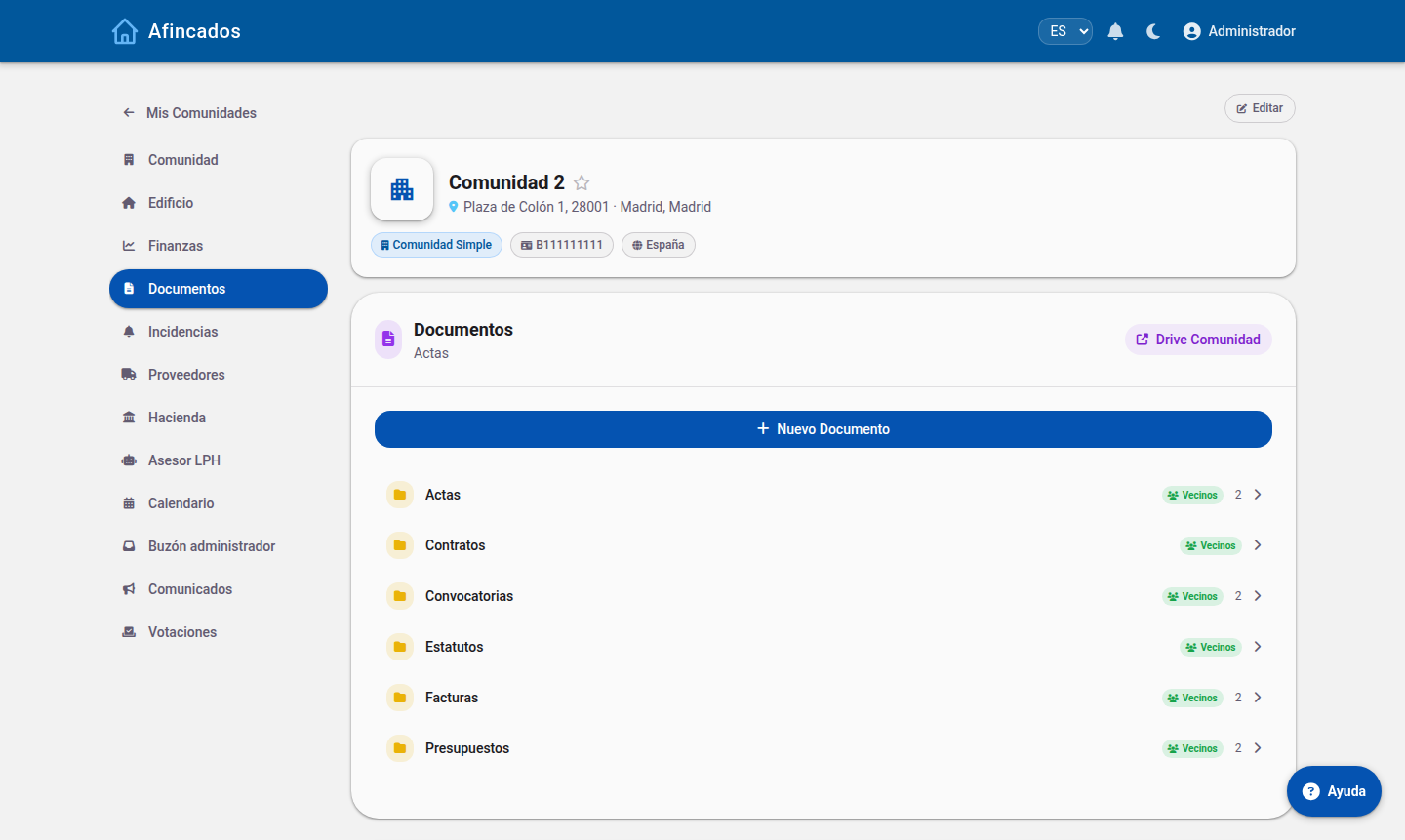
Residents only see the shared ones — the rest simply do not appear in their Documents tab.
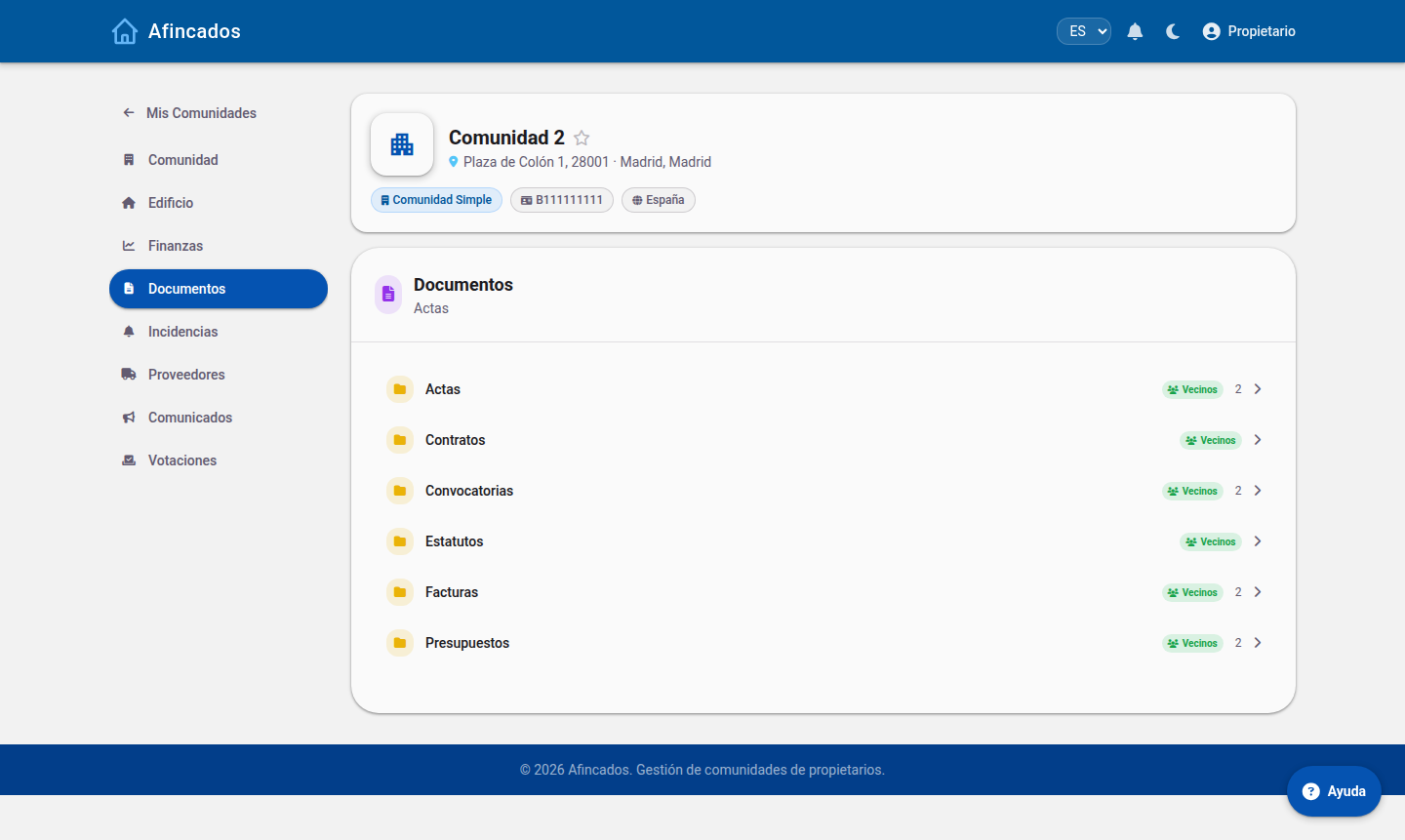
This is the natural way to separate what the community should know (minutes, budgets, notices) from internal management work. Check the label before uploading a sensitive document.
Finances: visible, but read-only
Accounts, balance and transactions are not hidden from residents: financial transparency is part of how a community runs. What changes is that residents have no management actions — creating fees, direct debits or transactions — only the view.
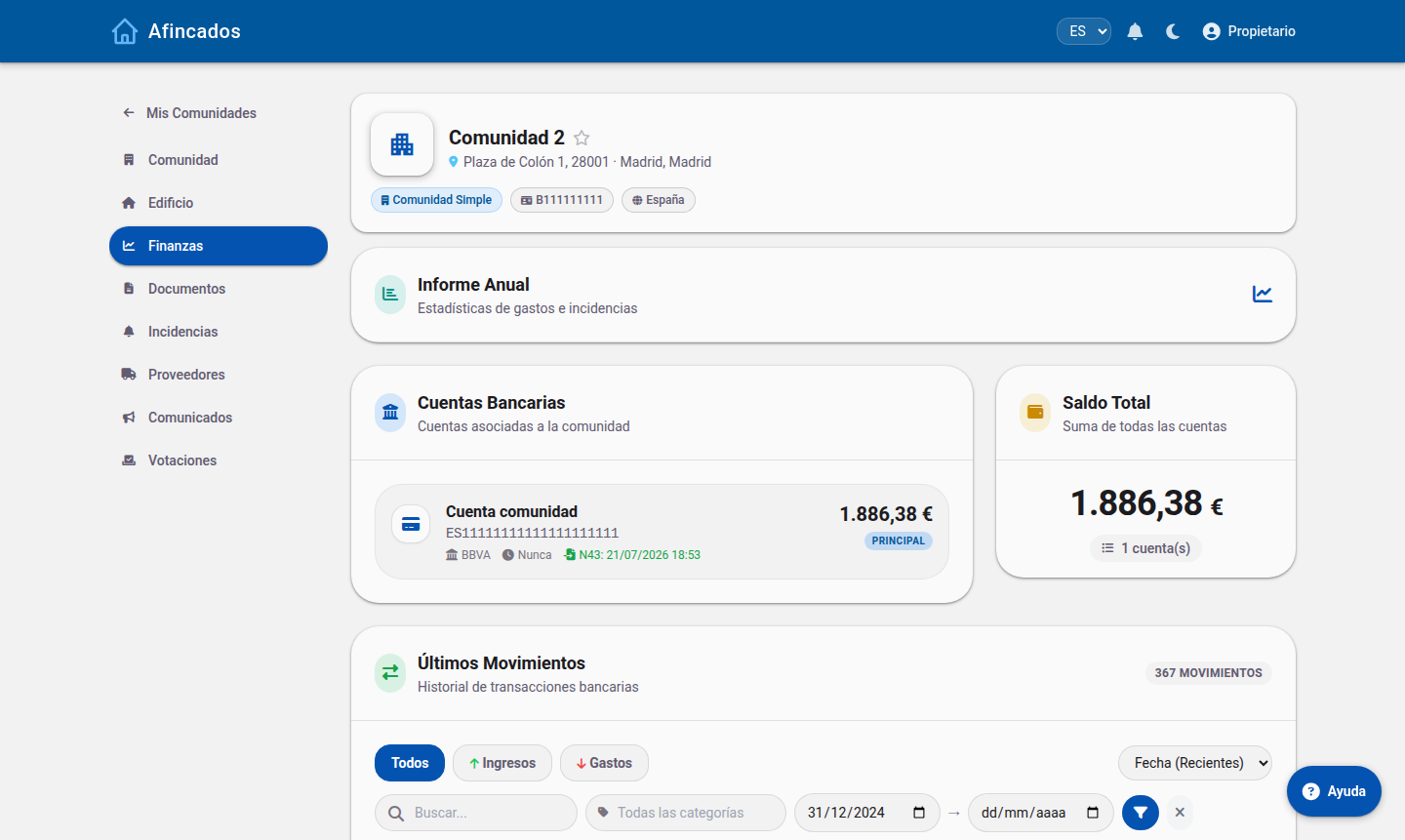
The exception is the worker, who has no access to Finances at all.
Incidents: each role sees its own scope
- Manager and board: every incident in the community, filtered by status and assignee.
- Resident: can report incidents and follow their status.
- Worker: only the ones assigned to them. They do not see the community's other incidents.
Announcements and votes: they reach every resident
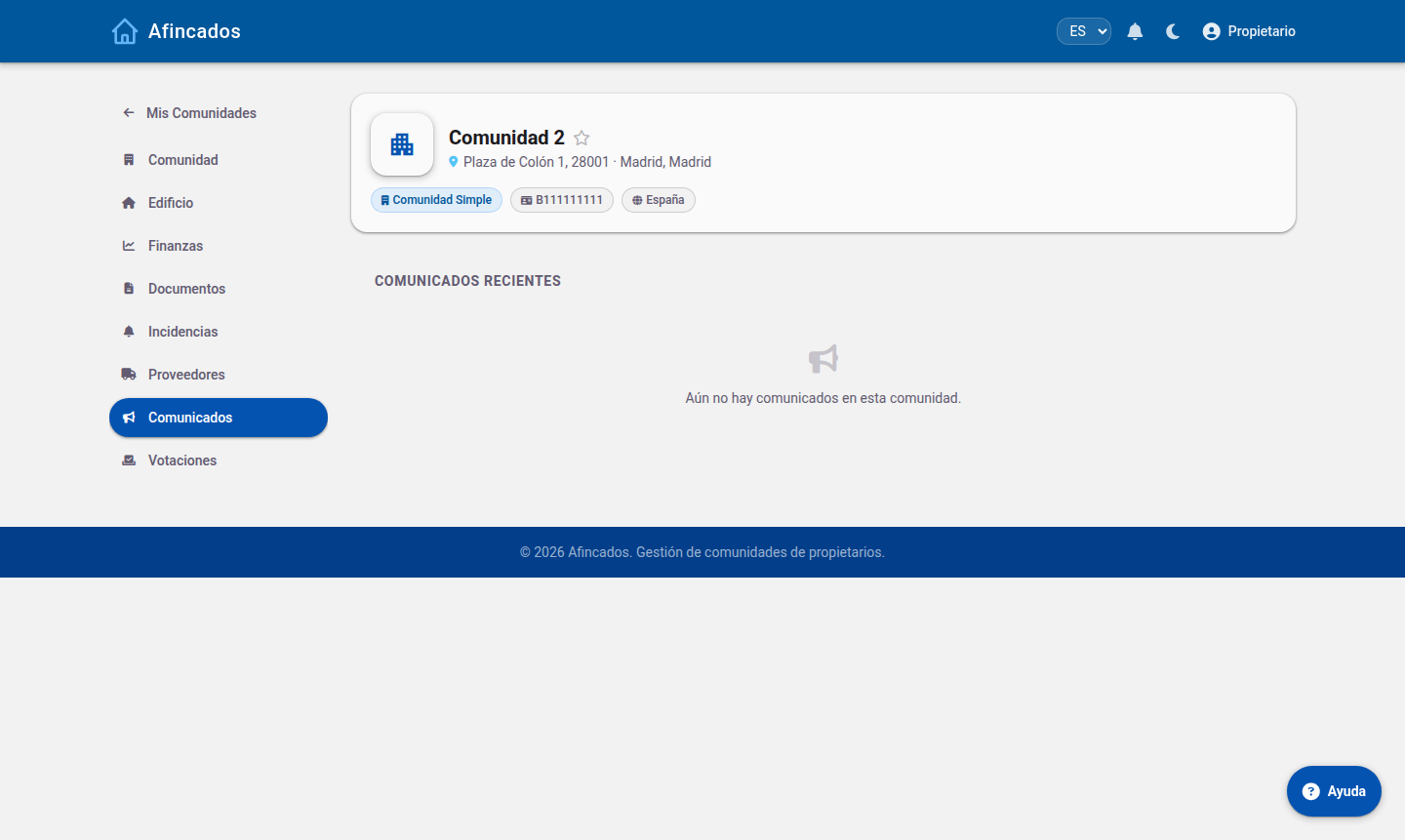
Announcements are sent by the manager and the board and reach all residents, highlighted when urgent. Votes work the same way: management opens them and owners take part. There is no selective sending to a subset of residents.
And personal data
The worker has no access to other residents' data: their view is limited to their shift, their incidents and their supplier. Every user manages their own data — phone, email, avatar and password — from My profile.