Worker guide
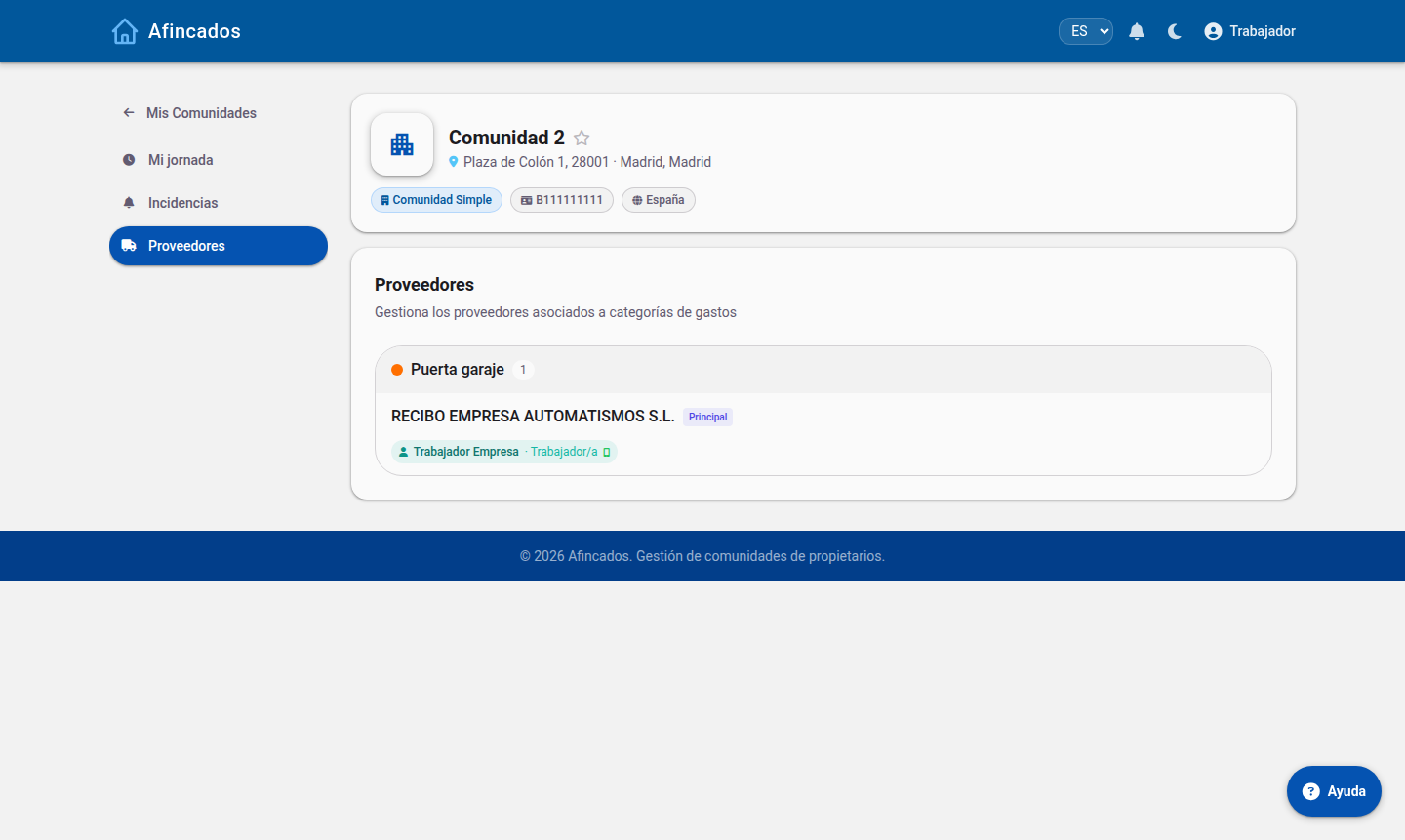
Clock in and out, check the incidents assigned to you and review your supplier's schedule.
The worker role is for people providing a service in the community on behalf of a supplier (cleaning, maintenance, lifts…). It is a reduced view focused on their daily work: only three sections.
My shift
The main screen shows a clock and a large button to clock in and later clock out, plus the history of recent shifts with start time, end time and hours worked.
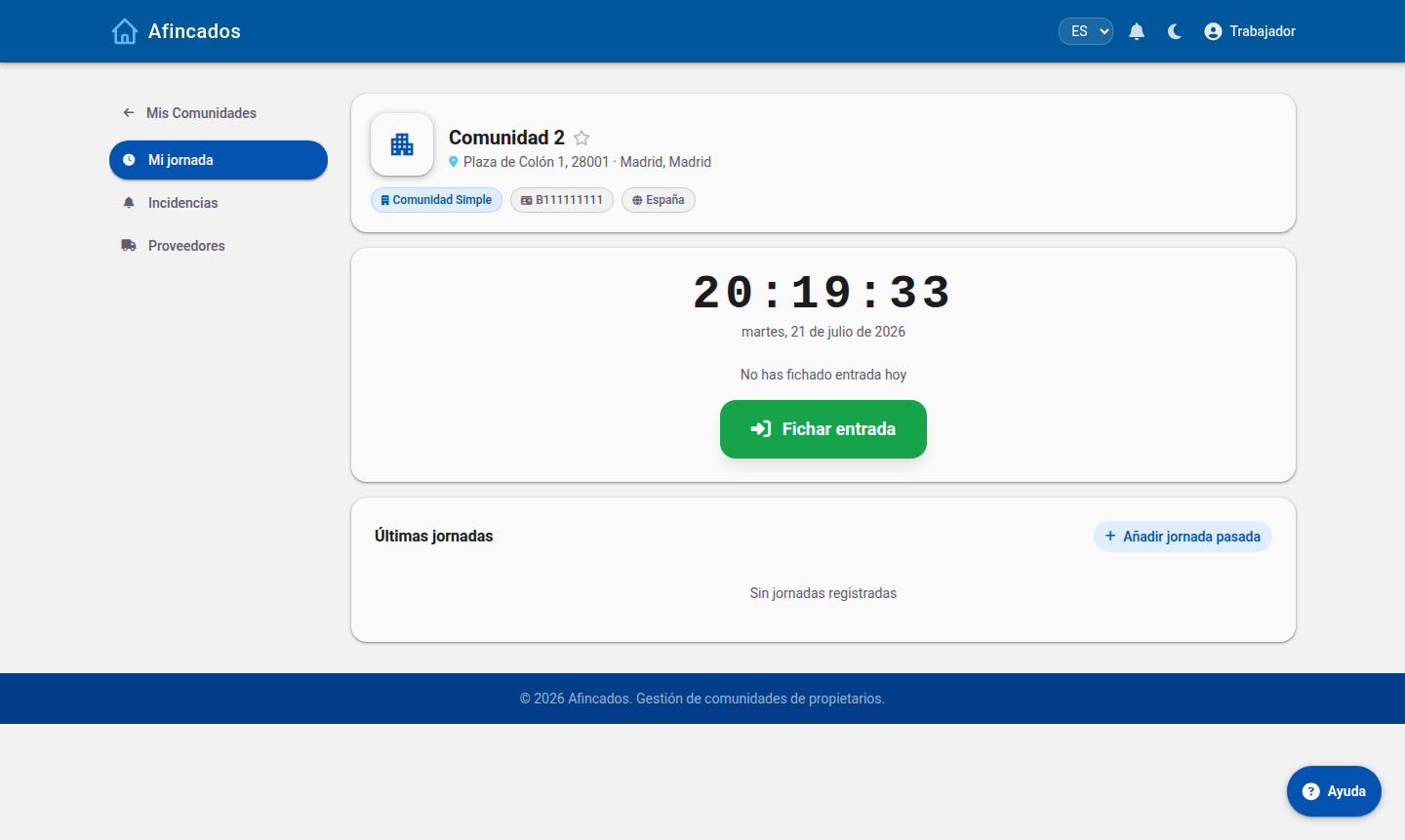
The property manager can see and validate these shifts, so clock in punctually and fix any mistake as soon as possible.
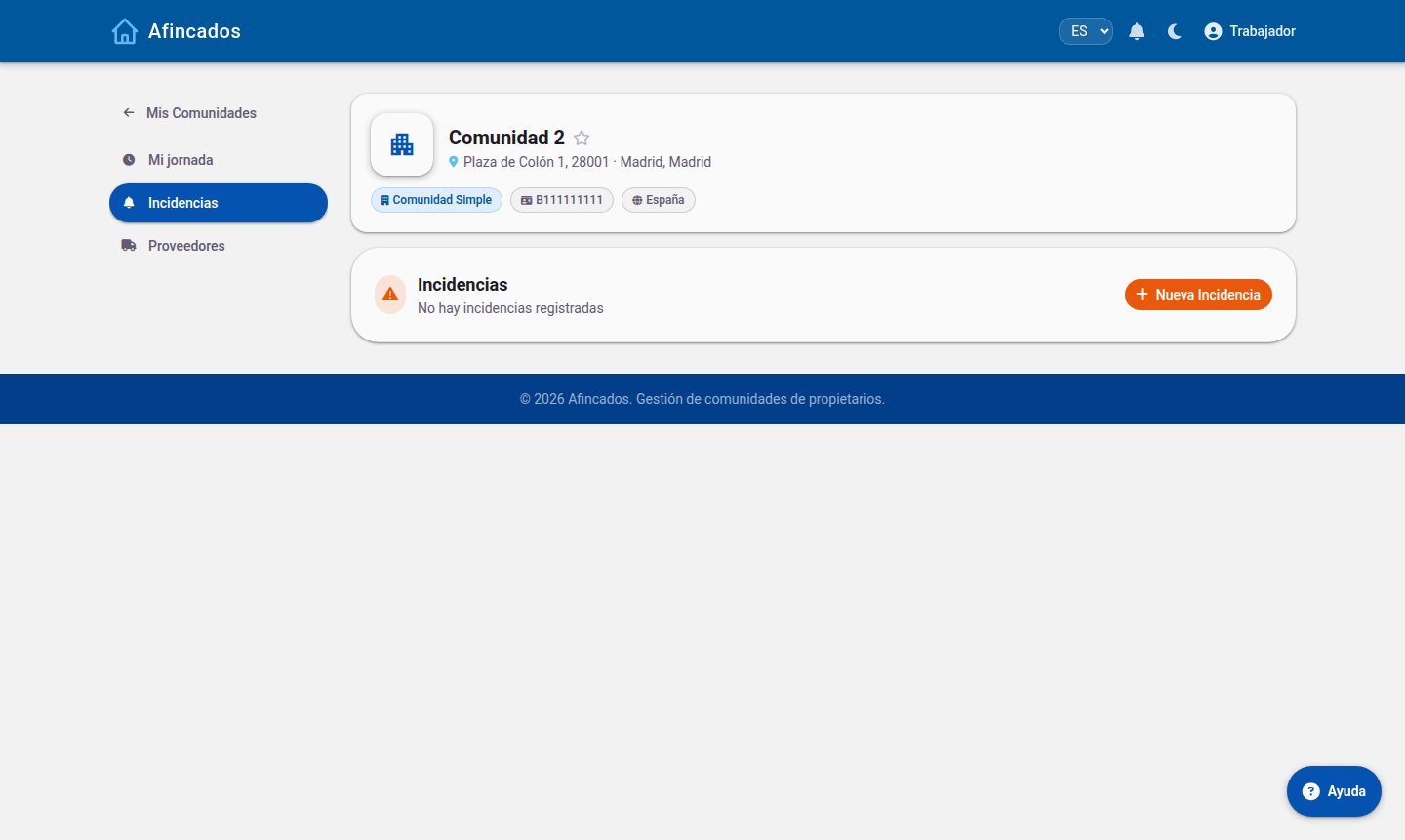
Incidents
You only see the incidents assigned to you, grouped by status. You can also create a new incident if you spot a problem while working.
Suppliers
What you cannot see
Workers have no access to finances, documents, fees, votes or other residents' data. Access is limited to the communities where they provide a service.