Fees and finances
Fees and finances
Spanish tax forms 347, 111, 190 and 303
Prepare the community tax returns from the expenses already recorded.
12 Jul 2026
41 reads
en
The application prepares the tax forms the community has to file, using the expenses, suppliers and withholdings you have already recorded. It does not file them with the tax office for you, but it gives you the figures calculated and checked.
Before you start
- The community must have its tax number filled in.
- The expenses for the year must be recorded, with their supplier and amount.
- Suppliers must have their tax number, otherwise they cannot be included in the information returns.
The available forms
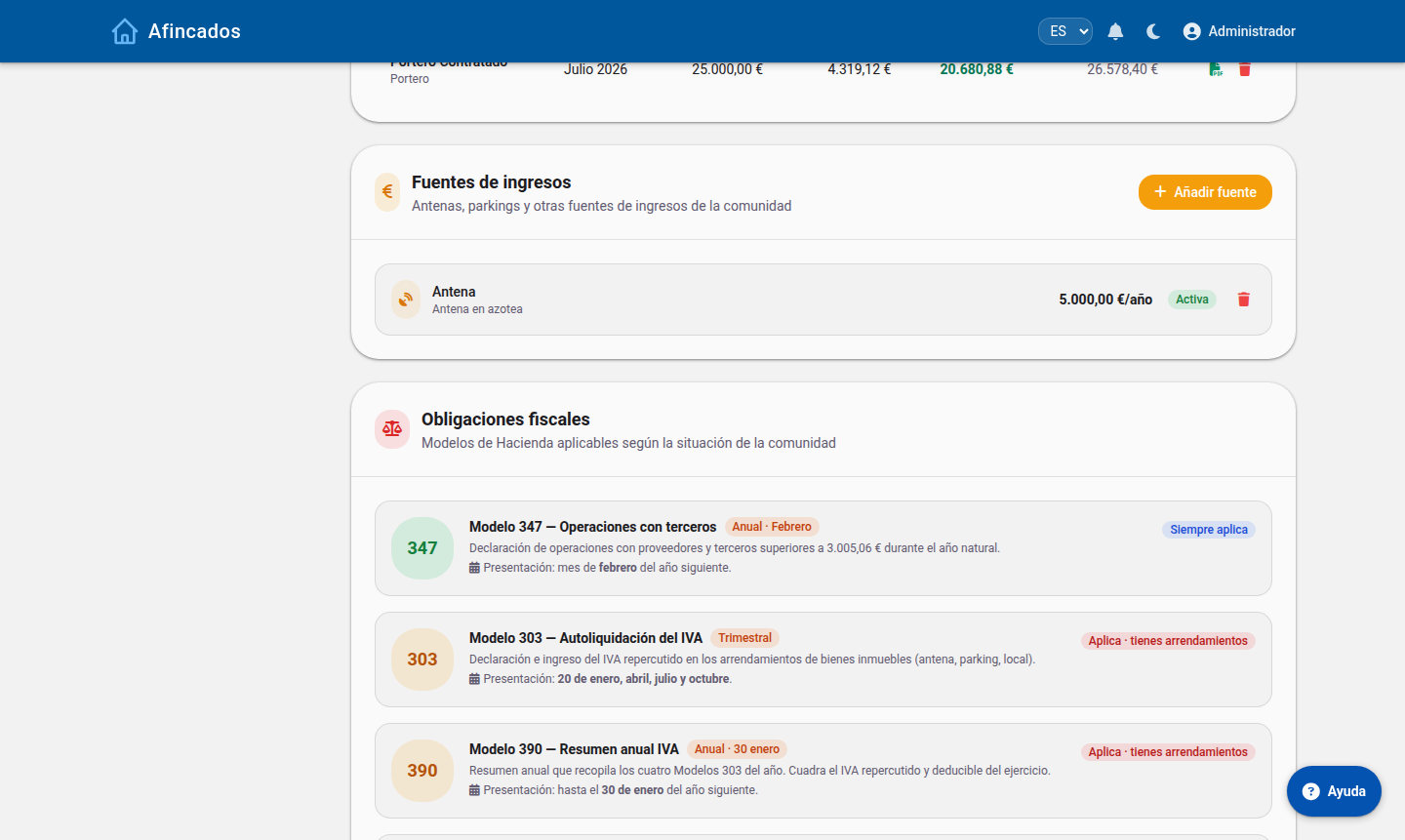
- Form 347: annual declaration of transactions with third parties. It covers suppliers the community paid more than €3,005.06 over the year.
- Form 111: withholdings and payments on account made (for example, to the caretaker or to professionals), filed quarterly.
- Form 190: the annual summary of those same withholdings.
- Form 303: VAT self-assessment, for communities carrying out taxable activities.
Producing a form
- Open the community and go to the Finances tab.
- Click Tax forms and pick the one you need.
- Select the financial year and, if the form is quarterly, the quarter.
- The application works out the amounts and shows the breakdown by supplier.
- Check the figures and download the result to transfer it into the tax office form.
Check before you file
The calculation is only as good as the data recorded. Before treating a form as final, check that:
- Every expense in the period has been entered, including those paid in cash.
- No supplier is duplicated across two separate records, because their amounts would then be split and might fall below the form 347 threshold.
- The supplier tax numbers are correct.
If you spot a mistake, fix the expense or the supplier record and produce the form again: it is recalculated with the updated data.
Related articles
© 2026 Afincados