Role guides
Role guides
President and board guide
What the president, vice-president or board member can manage, and how it differs from the property manager.
12 Jul 2026
37 reads
en
The president — along with the vice-president and board members — can manage almost the whole community, but has no access to the tax area or the manager's internal tools.
What you see
The sidebar shows Community, Building, Finances, Documents, Incidents, Suppliers, Passes, Announcements and Votes.
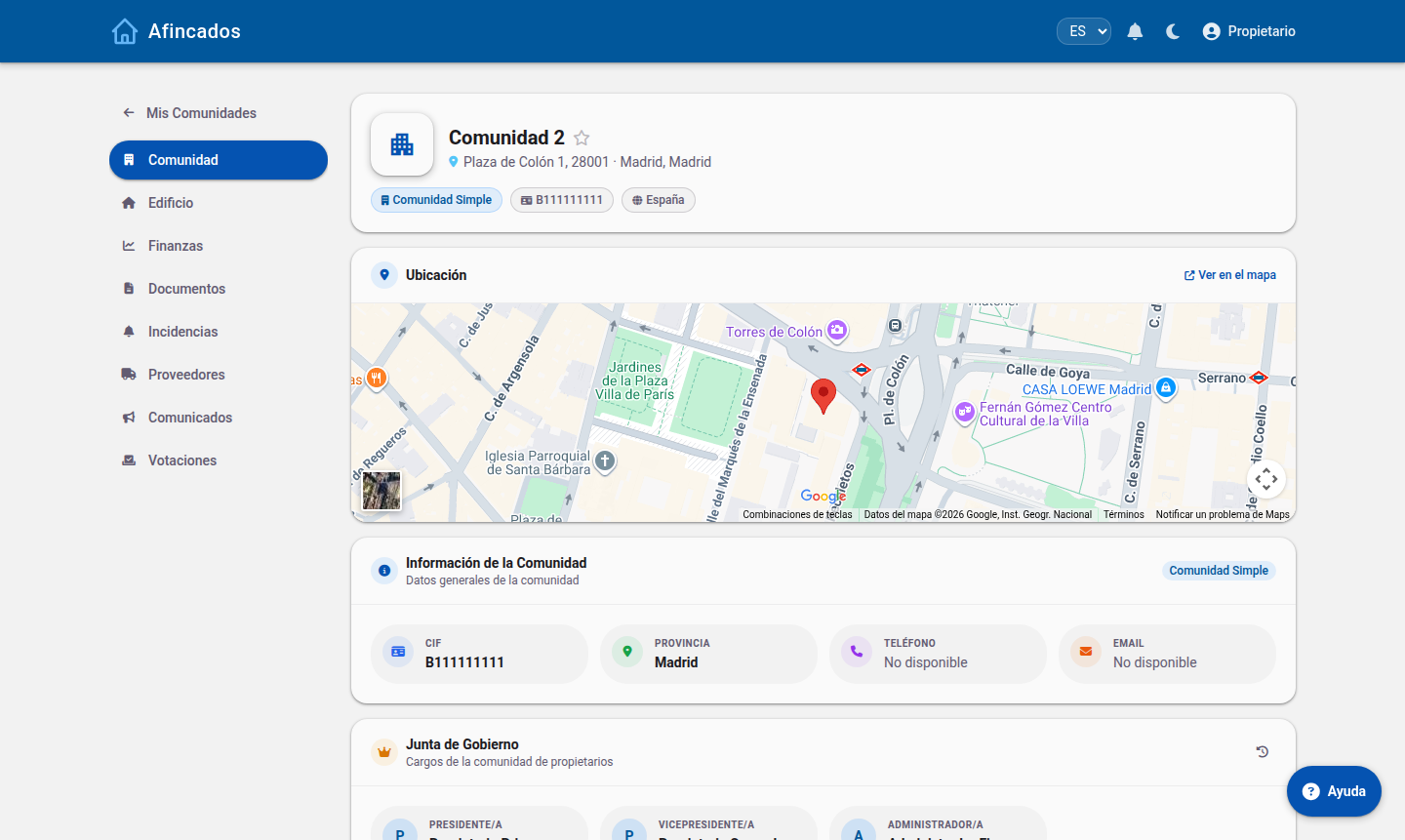
What you can manage
- Residents and properties: add users, edit properties and ownership shares.
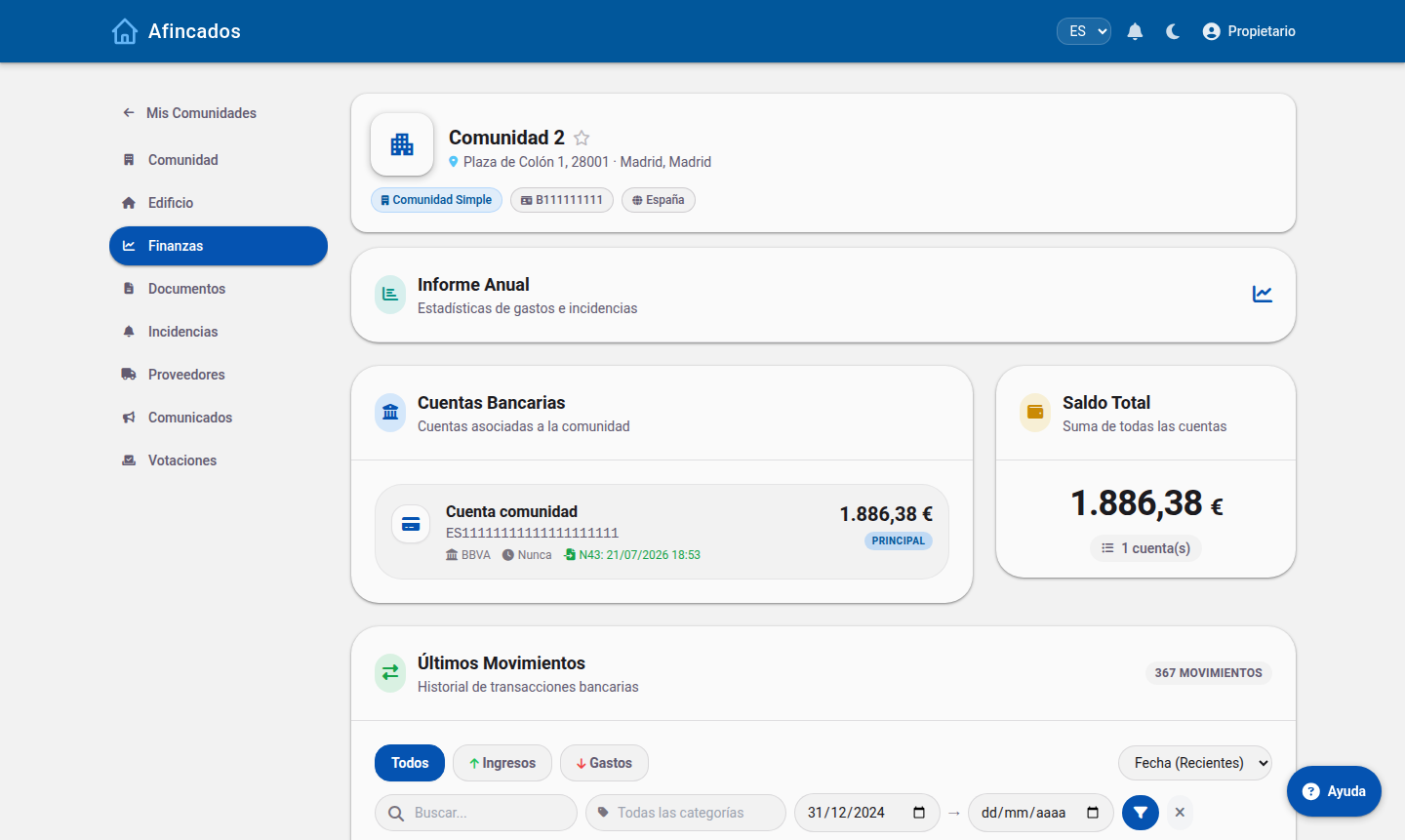
- Fees: calculate ordinary fees, create special levies and track payments.
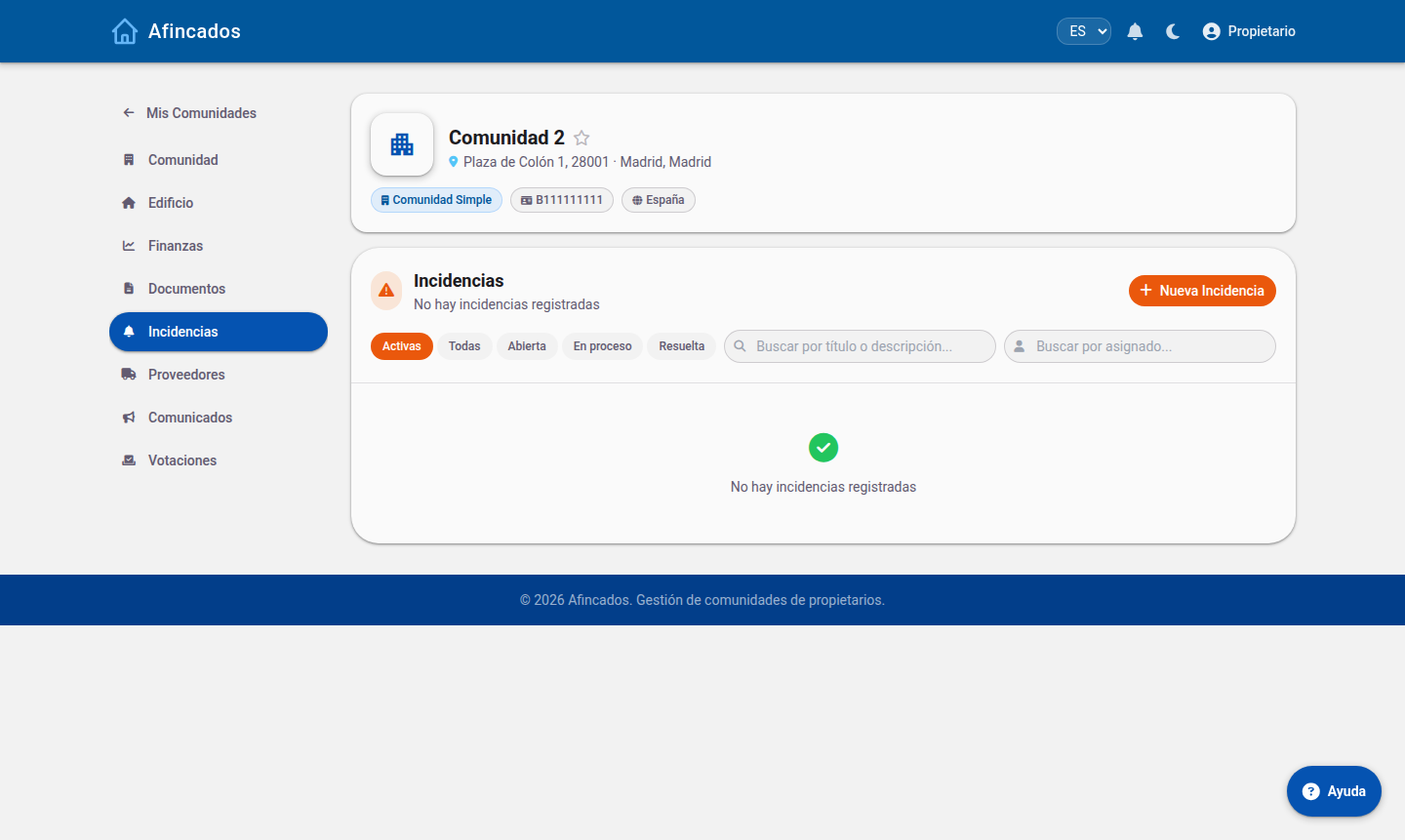
- Incidents: create, assign to a supplier or worker, and close them.
- Meetings: call meetings, record attendance and publish the minutes.
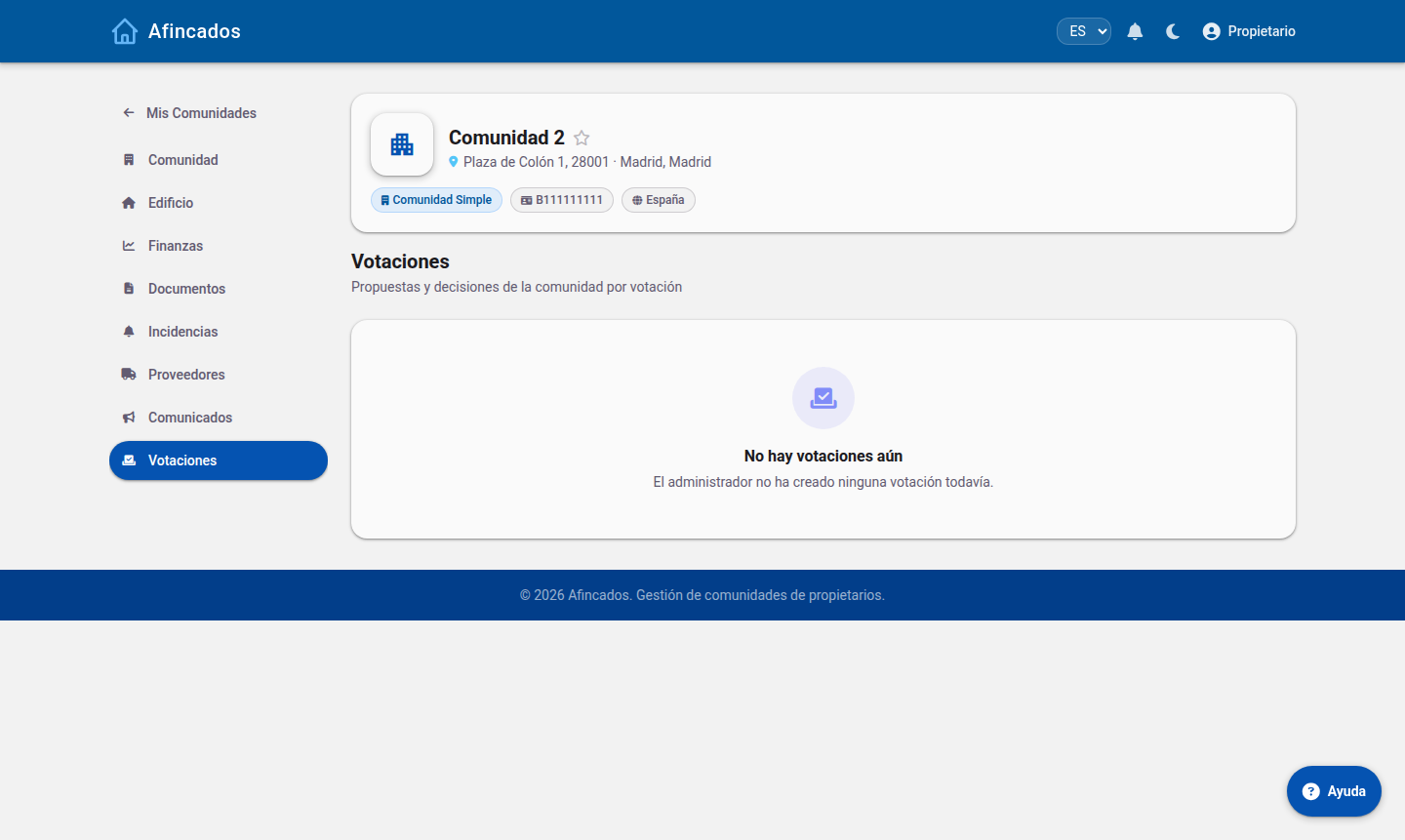
- Announcements and votes.
- Documents: upload minutes, contracts, budgets and invoices.
Finances
Incidents, announcements and votes
Differences from the property manager
| Feature | President / Board | Property manager |
|---|---|---|
| Residents, properties and shares | Yes | Yes |
| Fees, levies and arrears | Yes | Yes |
| Incidents, meetings and minutes | Yes | Yes |
| Tax: staff, payslips and forms | No | Yes |
| LPH Advisor and Calendar | No | Yes |
| Create new communities | No | Yes |
Related articles
© 2026 Afincados