Checking your fees and setting up direct debit
See what you pay, review your history and add or change your bank account.
As an owner you can check at any time what you pay the community, whether you have any outstanding receipts and which bank account is charged. Only you and the property manager can see your financial details: no other resident has access to them.
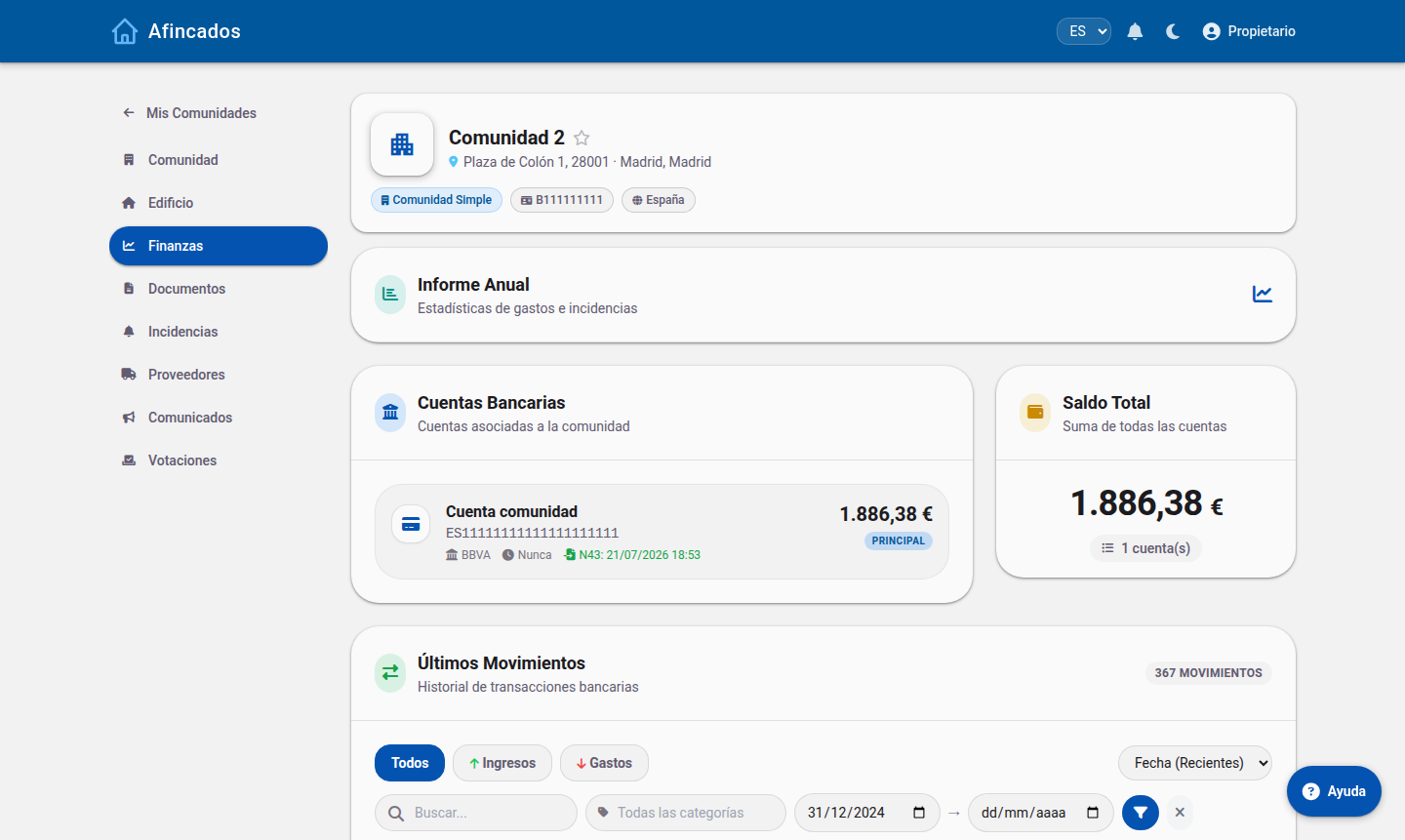
Viewing your fees
- Open your community.
- Go to the Fees tab.
You will see your current fee, how often it is charged (monthly, quarterly or annually) and the breakdown by item: how much of your fee goes to cleaning, how much to the lift, how much to insurance. Any extraordinary levies that apply to you also appear here, if the community has approved one.
Each receipt shows whether it is paid or outstanding. The history lets you look up what you paid in previous financial years.
Adding your bank account
For the community to charge you by direct debit it needs your IBAN.
- On the Fees tab, click My bank account.
- Enter the IBAN of the account you want the receipts charged to.
- Save.
The property manager is notified and will validate the account. From the next direct debit run onwards, receipts will be charged there.
Changing or removing the account
You can change your IBAN whenever you like from the same screen: overwrite the previous one and save. Do it well before the charge date, because a run already sent to the bank cannot be redirected to another account.
If you would rather stop paying by direct debit, clear the IBAN and let the property manager know so you can agree another payment method.
If a receipt was returned
It will show as outstanding again. Check that your IBAN is right and that the account had funds, correct it if needed, and contact the property manager through the Messages tab to agree how to settle it.
If you disagree with your fee
The fee is calculated automatically from your property's ownership share and the budget approved at the meeting. If you think there is a mistake, write to the property manager from Messages explaining which item does not add up: they can review the ownership share and the expense categories assigned to your unit.